






Wi-Fi 7 promises blistering speeds and lower latency, but for the home lab enthusiast, a shiny new wireless standard isn't a magic wand for network stability.
The Speed Trap
When you read the marketing materials for Wi-Fi 7, the numbers are eye-popping. We are talking
about theoretical maximums that make previous generations look like dial-up. With features like 320 MHz channels and 4K QAM, the 'on-paper' throughput is designed to handle massive amounts of data. However, there is a massive catch that every homelabber needs to understand: theoretical speed is not actual throughput. In a real-world home environment, your actual speeds are at the mercy of building materials, the distance from the router, interference from your neighbor's network, and how many other devices are fighting for airtime. For a homelab setup—where you might be moving large virtual machine images or massive backups—that gap between 'lab speed' and 'living room speed' can be the difference between a seamless workflow and a total bottleneck.
The Bottleneck Reality Check
One of the biggest misconceptions in upgrading hardware is thinking that a faster router will fix a slow internet connection. If your ISP provides a 500 Mbps plan, buying a Wi-Fi 7 router capable of multi-gigabit speeds won't magically give you 2 Gbps. The router can only move data as fast as the pipe coming into your house allows. In a homelab context, this is even more critical. If your primary bottleneck is the connection between your server and your router, or the link between your router and the modem, upgrading to the latest wireless standard is essentially like putting racing tires on a car with a lawnmower engine. You have to identify where the congestion lives before you start spending money on new wireless protocols.
Why Wired Still Wins the Reliability War
Homelabs thrive on consistency. Whether you are running a NAS (Network Attached Storage), a dedicated gaming server, or a cluster of nodes, you need predictable latency and steady bandwidth. This is where Ethernet remains king. Wireless signals, no matter how advanced, are subject to the laws of physics in a way that cables are not. Radio waves bounce off walls, get absorbed by furniture, and struggle to penetrate certain building materials. Furthermore, the FCC has noted that when multiple wireless devices share the same frequency, performance drops and lag increases. Ethernet provides a dedicated, shielded lane for your data. For those stationary devices that sit in a rack or on a desk, plugging in a Cat6 cable isn't just a legacy choice; it is a strategic decision to free up the wireless spectrum for the mobile devices that actually need it, like your phone or laptop.
The Smart Way to Expand
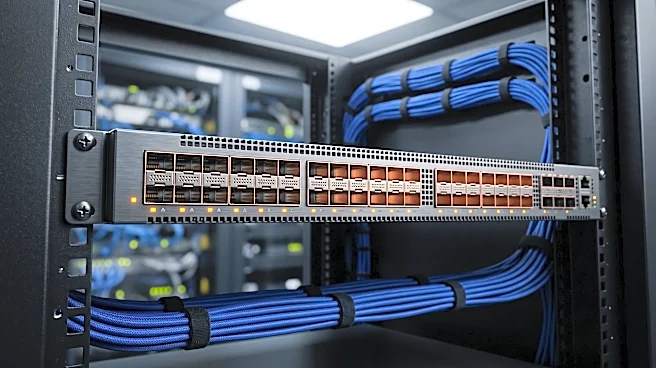
If you find yourself running out of ports on your router because your homelab is growing, the solution isn't necessarily a more expensive Wi-Fi 7 router. Often, the most effective move is adding a switch. An unmanaged switch is a simple, plug-and-play way to add more Ethernet ports for your consoles, PCs, and servers. If you are a power user who needs to segment your network—perhaps to isolate your IoT devices or your lab environment from your personal computers—a managed switch allows you to set up VLANs for better security and traffic control. For the serious enthusiast, the goal is to move as much high-bandwidth, stationary traffic as possible onto wires, leaving the wireless airwaves clear and efficient for everything else.