








The Two Realms: User Space and Kernel Space
Think of your computer's operating system like a secure government building. There's the public lobby, and then there's the high-security control room. Your applications—your web browser, your code editor, your music player—all live and run in the public lobby.
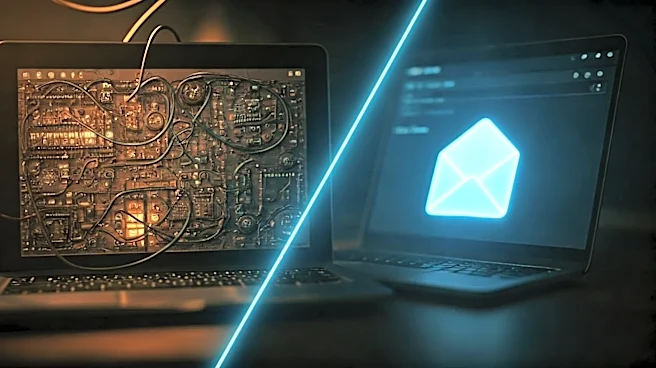
This is 'user space' or 'userland'. It's a restricted environment where programs can operate without causing system-wide chaos. If an app in user space crashes, it usually just crashes itself. The rest of the system remains stable because the app never had the keys to the control room. That control room is 'kernel space'. The kernel is the core of the operating system, the bridge between your software and the physical hardware. It manages everything: memory allocation, CPU scheduling, and access to devices like your hard drive and network card. To do this, it runs in a privileged mode (often called 'kernel mode' or 'ring 0'), giving it unrestricted access to all system resources. This separation is the fundamental security model of all modern operating systems.
The Gatekeeper: What System Calls Really Do
So if your application in the public lobby needs something from the control room—like reading a file from the disk or sending data over the network—how does it ask? It can't just barge in. Instead, it makes a formal, well-defined request. This request is a 'system call' (or syscall). A system call is the only legitimate way for a user-space program to request a service from the kernel. When your code calls a function like `fopen()` in C or `open()` in Python to access a file, you're not directly opening the file. Your programming language's standard library is translating your request into a specific system call, which then formally asks the kernel to perform the action on its behalf. The kernel checks the request, performs the operation if permissions are valid, and then returns the result. This acts as a crucial security and stability layer, preventing rogue or buggy apps from directly messing with critical hardware.
The Hidden Detail: The High Cost of Crossing the Border
Here's the detail many self-taught engineers miss: a system call is not just another function call. It's a fundamentally different and more expensive operation. Crossing the boundary from user space to kernel space requires a 'mode switch' in the CPU itself. But the real cost is often the 'context switch'. To handle the request, the CPU has to pause your application, save its entire current state (all the register values, program counter, etc.), switch to kernel mode, perform the requested task, and then restore your application's state exactly as it was. This entire process has significant overhead. It flushes CPU caches and disrupts the flow of instruction pipelines. While technically a syscall only requires a privilege mode switch, many blocking calls (like reading from a network that has no data) will cause a full context switch to another process, which is even more expensive. Treating a syscall like a cheap, simple function call is a classic performance mistake.
Why This Matters for Your Code
Understanding the cost of system calls fundamentally changes how you write performant code. It explains why reading a large file one byte at a time is disastrously slow compared to reading it in large chunks into a buffer. The former involves millions of expensive user-to-kernel context switches, while the latter involves only a few. Every syscall introduces latency. When you're debugging a slow application, and you've already optimized your algorithms, the bottleneck can often be an excessive number of system calls in a tight loop. Tools like `strace` on Linux can reveal just how 'chatty' your application is with the kernel. By minimizing these transitions—for instance, by using buffered I/O or designing your application to do more work in user space before requesting kernel services—you can dramatically improve performance. This isn't premature optimization; it's about understanding the underlying mechanics of the machine you're programming.