







What Exactly Is a Copilot+ PC?
Before talking cost, let's clarify the term. A 'Copilot+ PC' isn't just any computer with access to Microsoft's AI assistant. It's a specific certification for Windows 11 machines that meet strict hardware standards. The main requirement is a powerful
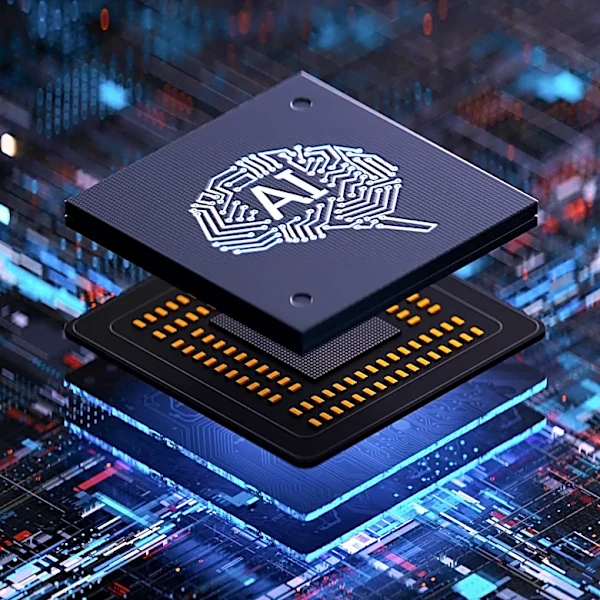
Neural Processing Unit (NPU) capable of at least 40 trillion operations per second (TOPS). This specialized chip is designed to handle AI tasks directly on the device, rather than sending data to the cloud. This local processing is what separates them from standard PCs. To earn the badge, these PCs must also have at least 16GB of RAM and a 256GB solid-state drive (SSD). Processors that qualify include Qualcomm's Snapdragon X series, AMD's Ryzen AI 300 series, and Intel's Core Ultra 200 series.
The Price of Intelligence: How Much 'Extra' Is It?
The core of the issue is the price premium. While you can find Copilot+ PCs starting around $999, most models sit in the $1,000 to $1,400 'sweet spot' for a good experience. Compared to a non-Copilot+ PC with otherwise similar specs (processor speed, screen quality, build), the AI-ready hardware typically adds between $100 and $200 to the final price. For example, a Dell model with a Copilot+ capable Intel Core Ultra processor might start around $1,600, while a similar non-AI machine could be found for less. This premium pays for the advanced NPU and the guaranteed higher base specs like 16GB of RAM, which many budget laptops don't include.
The Exclusive Perks: What Your Money Buys
So, what do you get for that extra cash? The main draw is a suite of AI features that run locally for improved speed, privacy, and battery life. The most talked-about feature is 'Recall', which creates a searchable timeline of everything you've seen or done on your PC, allowing you to find information with natural language. Other key features include 'Live Captions', which can provide real-time translation for any audio playing on your computer, and enhanced 'Windows Studio Effects' for video calls, like background blur and automatic framing that don't drain your battery. You can also use 'Cocreator' to generate and edit images in applications like Paint. These are experiences that a standard PC, which relies on the cloud for AI, can't offer in the same integrated way.
The Verdict: An Investment or an Overspend?
Whether a Copilot+ PC is worth the extra money depends entirely on your workflow. If you're a professional who spends hours in video meetings, works with multilingual teams, or constantly needs to find past information, the productivity gains from features like Studio Effects and Recall could easily justify the cost. The exceptional battery life seen on Snapdragon-based models—often lasting 50-80% longer than older Intel laptops—is another major selling point for road warriors. However, for a casual user who primarily browses the web, sends emails, and uses Microsoft Office, the benefits are less clear. Most of the AI tools you'd use, like Copilot in the Edge browser or in Microsoft 365, are cloud-based and work perfectly well on any modern PC without an NPU. For these users, the extra $100-$200 might be an overspend on features they'll rarely touch.