





Understand the Threat: The Rise of 'Quishing'
The convenience of QR codes is also their biggest vulnerability. Because you can't see the destination link hidden within the black-and-white square, it's easy for scammers to trick you. This tactic has a name: "quishing," a combination of "QR code" and "phishing."
Cybercriminals create malicious QR codes that, when scanned, direct you to fraudulent websites designed to steal your passwords, credit card numbers, or other personal information. In other cases, a scan might trigger the download of malware onto your device. These malicious codes are distributed in emails, on social media, or even as physical stickers placed over legitimate QR codes in public spaces like on parking meters or ATMs. The goal is to create a sense of urgency or trust to make you act without thinking.
Rule One: Always Check the Context
Before you even raise your phone, take a moment to assess the situation. Where is the QR code located? Does it seem out of place? The Federal Trade Commission (FTC) warns that scammers often place their own QR code stickers over official ones. If you're at a parking meter, for example, check to see if the QR code is part of the machine itself or if it's a sticker that could have been added by someone else. Be especially wary of QR codes in unexpected emails or text messages, particularly those that pressure you to act immediately with warnings about a failed package delivery or a problem with your account. If an offer seems too good to be true, it almost certainly is. A healthy dose of skepticism is your first and best line of defense.
How to Preview the Link Before You Tap
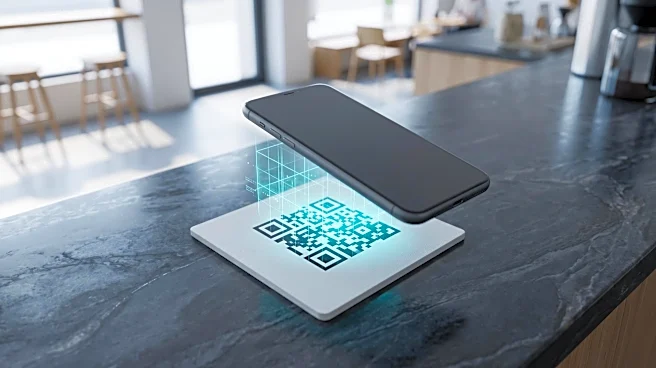
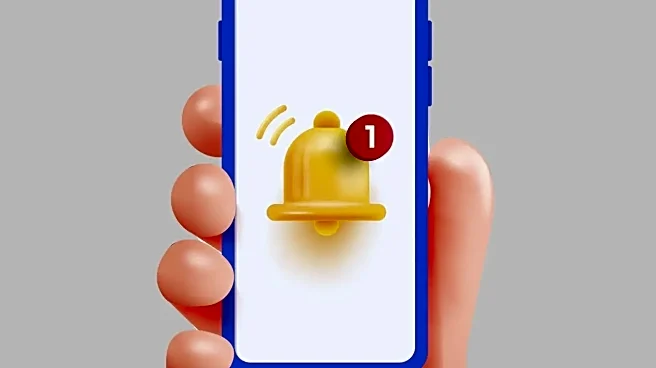
The single most important technical step is to preview the URL before your browser opens it. Most modern smartphone cameras have this feature built-in. When you point your camera at a QR code, a notification will pop up showing you the destination URL. Do not tap it immediately. Instead, read it carefully. Look for red flags like misspelled company names (e.g., "PayPaI" with an uppercase 'i' instead of an 'l') or a strange string of characters instead of a clean, recognizable domain. Legitimate websites usually start with "https" and have a lock icon, but even this isn't a foolproof guarantee of safety. If the URL looks suspicious in any way, do not proceed.
Consider Using Security-Focused Tools
While your phone's built-in camera is a good first step, some people may prefer an extra layer of security. Certain third-party QR scanner apps are designed with safety in mind and will automatically check links against lists of known malicious websites before opening them. There are also web-based tools where you can upload a picture of a QR code to see the decoded link without ever scanning it on your primary device. However, a word of caution: be careful when downloading any new app. Some malicious QR scanner apps exist solely to infect your phone. Stick to well-known, reputable security applications if you choose to go this route.
What to Do If You Scanned a Bad Code
If you scan a code and realize too late that the website is fraudulent, act quickly. First, immediately close the browser tab and do not enter any information. Disconnect your device from the internet (both Wi-Fi and cellular) to prevent any potential malware from communicating with its server. If you entered a password on the fake site, change that password immediately on the legitimate service and anywhere else you might have used it. Run a security scan on your device using a trusted anti-malware application. Finally, review your bank and credit card statements for any unauthorized charges and report any fraudulent activity to your financial institution and the FTC.