







Beyond the Marketing Hype
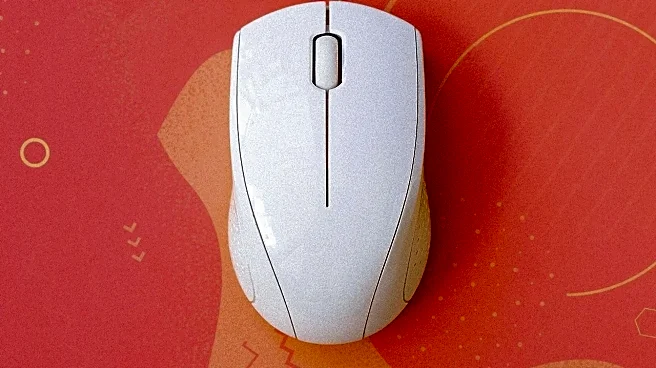
Spend enough time in Adobe Creative Suite or Figma, and you know your mouse is more than a pointer—it's the most direct connection to your work. For years, the industry has sold mice to professionals based on two main features: dots per inch (DPI) and ergonomics.
High DPI promised sensitivity for high-resolution screens, while sculpted shapes aimed to reduce wrist strain. Models like the Logitech MX Master 3S became industry standards by excelling at these, offering app-specific shortcuts and comfortable builds. But while a high DPI is useful, most designers rarely push their settings to the max. The real secret to a mouse that feels like an extension of your hand lies in a trio of less-publicized technical specs that govern how your cursor actually behaves: polling rate, sensor tracking, and the quality of its feet.
The Unsung Hero: Polling Rate
Often dismissed as a spec for competitive gamers, polling rate is the frequency at which your mouse reports its position to your computer, measured in Hertz (Hz). A 125Hz mouse sends an update every 8 milliseconds, while a 1000Hz mouse sends one every millisecond. For a designer, this isn't about landing a headshot; it's about drawing a perfectly smooth Bézier curve or nudging a component by a single pixel without any jitter. While a 125Hz rate is fine for web browsing, creative work benefits from the smoother tracking offered by rates in the 250Hz to 500Hz range. Anything higher can offer diminishing returns and drain the battery on wireless models faster. A high polling rate ensures the cursor on your screen faithfully tracks the micro-movements of your hand, providing the consistency needed for intricate selection work in Photoshop or precise vector manipulation in Illustrator. An inconsistent or low polling rate can lead to a cursor that feels like it’s subtly skipping or lagging, forcing you to constantly correct your movements and adding friction to your workflow.
Sensor and Surface Synergy
A high polling rate is only as good as the sensor providing the data. Modern mice use optical or laser sensors to take thousands of microscopic pictures of the surface beneath them every second. However, a spec called Lift-Off Distance (LOD) plays a huge role in precision work. LOD is the height at which the sensor stops tracking when you lift the mouse. Designers often lift and reposition their mouse constantly to make fine adjustments. If the LOD is too high, the cursor can drift as you lift, ruining a careful selection. A low, crisp LOD ensures that tracking stops the instant the mouse leaves the pad and resumes just as quickly when it lands. This synergy between sensor and surface is critical. Some advanced mice even allow you to tune the LOD to match your specific mousepad, whether it's a hard or soft surface, ensuring tracking is predictable every single time you reposition your hand.
The Feel of the Glide
The final piece of this precision puzzle is something you can feel but rarely see on a spec sheet: the mouse feet. Also known as skates, these small pads on the bottom of the mouse are typically made from a material called Polytetrafluoroethylene (PTFE). The quality, size, and shape of these feet determine the friction between your mouse and your desk or mousepad. High-quality, pure PTFE feet provide a smooth, consistent glide with minimal effort, which reduces physical strain over an eight-hour workday. When mouse feet are worn down or made of cheaper materials, the mouse can feel scratchy or inconsistent, requiring more force to start and stop movements. This tiny detail has an outsized impact on control. A near-frictionless glide allows for more precise, low-effort adjustments, making the mouse feel more responsive and accurate during delicate tasks.