








The Single-Router Illusion
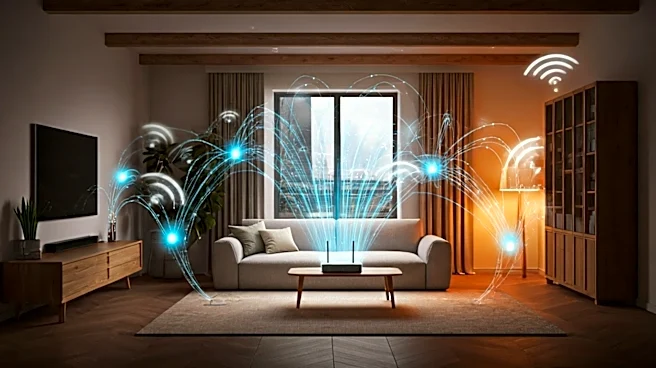
The promise of whole-home Wi-Fi from a single, slick-looking box from your internet provider is, for most multi-story homes, a fantasy. The reality is a collection of dead zones in the upstairs bedroom or a buffering nightmare in the basement. Walls,
floors, and distance are the natural enemies of a clean signal. So, the first instinct is to add more hardware: a range extender here, a mesh satellite there. This solves the immediate problem of getting a signal, but it fundamentally misunderstands the modern security challenge. Your home network isn't just for browsing; it's the backbone for your work computer, your smart TV, dozens of cheap, notoriously insecure Internet of Things (IoT) devices, and your personal files. Treating it like a single, flat entity is the first mistake.
Coverage Isn't the Same as Control
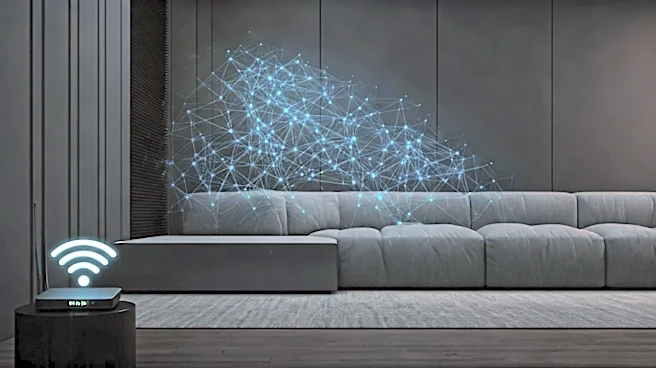
Consumer-grade mesh systems are brilliant at spreading a signal. They create a single, unified network that lets you roam freely without reconnecting. But this convenience comes at a cost: a lack of granular control. In a typical mesh setup, your work laptop, your child's tablet, and that weird smart toaster you bought on a whim are all chattering away in the same digital room. This is what security professionals call a "flat network," and it's a major risk. If a hacker compromises your least secure device—like an old security camera that hasn't been updated in years—they could potentially gain access to every other device on the network. This is the core difference between a simple home setup and a 'production' environment: pros don't just want a strong signal; they demand control over who can talk to whom.
The Pro Move: Segment, Don't Just Secure
This is where we borrow a crucial concept from the corporate world: network segmentation. Instead of one big, open network, you create multiple, isolated virtual networks (VLANs) that ride on the same physical hardware. Think of it like creating separate, digital laneways. One for your trusted devices like computers and phones (VLAN 10). Another for all your insecure IoT gadgets (VLAN 20). And a third for guests who visit (VLAN 30). Devices on the IoT network can access the internet, but they are blocked by firewall rules from ever talking to your work laptop on the trusted network. This principle of "least privilege" ensures that even if one device is compromised, the damage is contained. The breach stops at the boundary of the VLAN.
Taming the IoT Minefield
Implementing VLANs requires more sophisticated hardware than a standard consumer mesh kit—you'll need a router and access points that explicitly support VLAN tagging. Brands like Ubiquiti's UniFi line or systems built with pfSense are popular choices for this. While consumer mesh systems like Eero or Google Nest excel at ease of use, most do not offer the VLAN capabilities needed for true segmentation. By creating a separate Wi-Fi network name (SSID) for each VLAN—like "Home-Trusted" and "Home-IoT"—you can consciously decide which 'level' of trust each new device gets when it joins. Your new smart speaker goes on the IoT network; your new personal laptop goes on the trusted one. This simple act of sorting devices as you add them is the single most powerful security step you can take in a complex home.
Managing the Brains of the Operation
A 'production' grade network, even in a home, implies centralized management. Whether you're using a system of wired access points or a prosumer mesh solution, you need a single dashboard to see what's happening. This interface should allow you to see every connected device, which network it's on, apply security updates with a single click, and quickly block anything that looks suspicious. This is a far cry from the disconnected world of Wi-Fi extenders, each with its own login and settings. Adopting a pro-level mindset means prioritizing visibility and control just as much as raw speed or coverage. You become the active manager of your home's digital infrastructure, not just a passive user.