







From Spare PC to Purpose-Built Hardware
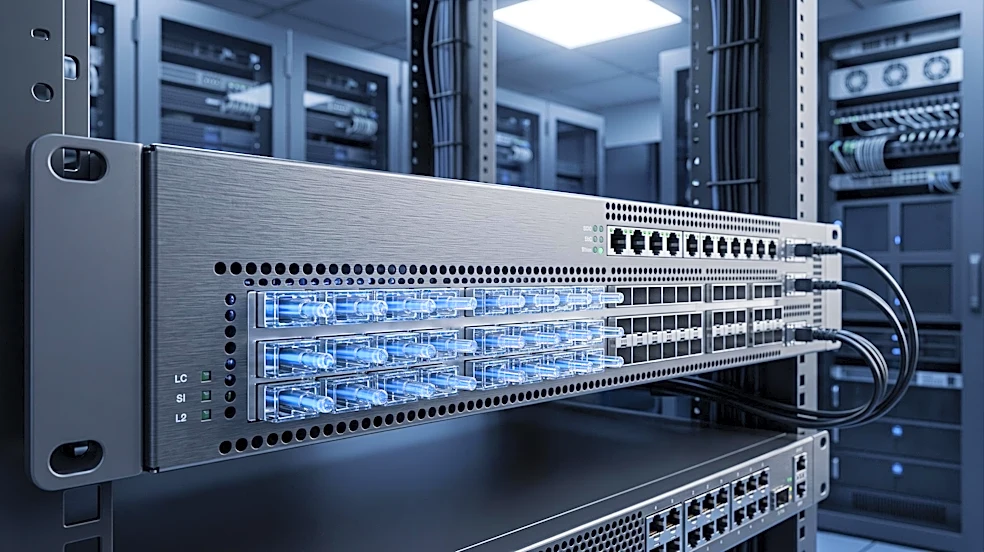
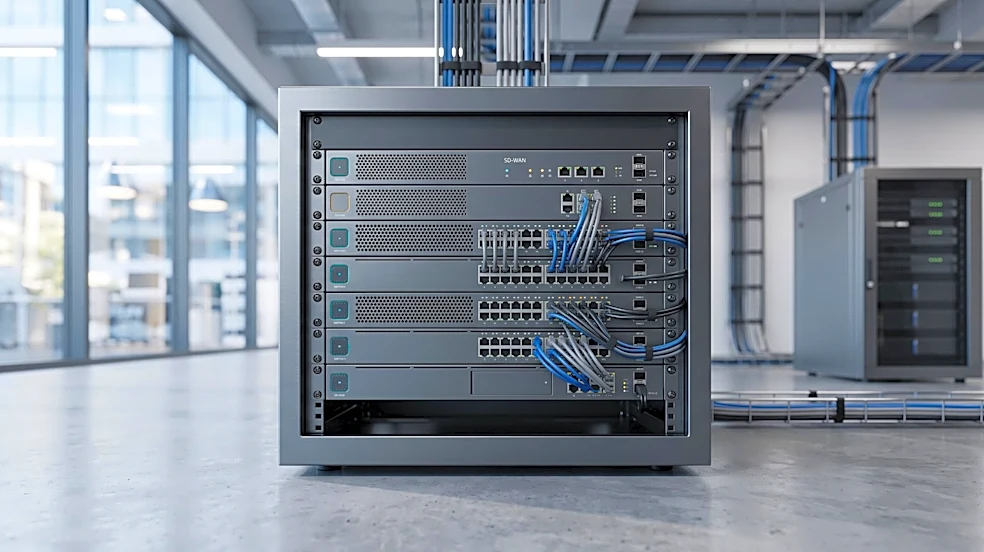
A lab pfSense often runs on an old desktop or a low-power virtual machine. It works, but production demands more. Businesses need hardware that guarantees performance and reliability. That means moving to server-class hardware with powerful CPUs that support
cryptographic acceleration like AES-NI for faster VPN throughput. It also means choosing quality network interface cards (NICs), with Intel being a common recommendation for its stable driver support in FreeBSD, the operating system underlying pfSense. While a lab might get by with 1GB or 4GB of RAM, production systems running services like an Intrusion Detection System (IDS/IPS) often need 8GB, 16GB, or more to handle large state tables and processor-intensive tasks.
Packages transform it from a router to a security appliance
A base pfSense installation is a powerful router, but it becomes a true security workhorse with packages. In a production environment, you'll almost always find extra packages installed that are rare in a simple home setup. Packages like Suricata or Snort provide robust IDS/IPS capabilities, actively monitoring traffic for threats. Another staple is pfBlockerNG, which blocks connections to and from known malicious IP addresses and domains, cutting down on unwanted traffic before it even hits your main firewall rules. For monitoring, tools like the Zabbix agent or ntopng are often added to provide deep visibility into network health and traffic patterns, something far beyond the scope of a basic lab install.
Redundancy is a requirement, not a feature
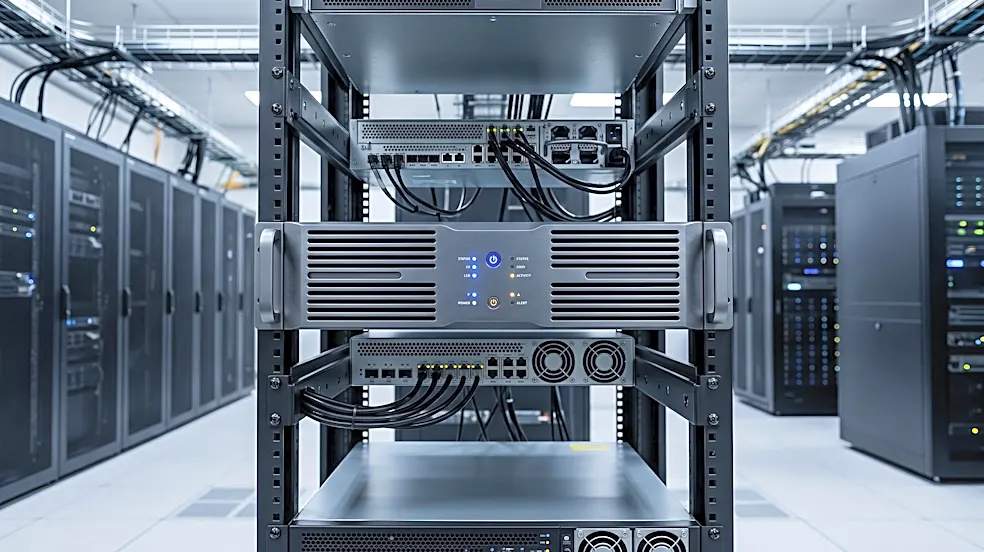
A home lab can tolerate downtime; a business cannot. This is why production pfSense setups are frequently configured for High Availability (HA). This involves a cluster of at least two firewalls working in tandem. Using the Common Address Redundancy Protocol (CARP), the firewalls share a virtual IP address. If the primary firewall fails, the secondary one automatically takes over in seconds, ensuring network connectivity is uninterrupted. This process is seamless to end-users because their gateway address never changes. Furthermore, production environments with multiple internet connections will use pfSense's multi-WAN capabilities for both load balancing and failover, ensuring the internet connection itself is also redundant.
Security hardening is non-negotiable
In a lab, you might leave the web administration interface accessible on the default port. In production, that's a major security risk. Hardening a production pfSense box involves several critical steps. The web interface is often moved to a non-standard port and access is restricted to a dedicated management network or specific IP addresses. Default credentials are changed, and multi-factor authentication (MFA) is enabled for all administrator accounts to prevent unauthorized access. Firewall rules are also far more complex and restrictive. Instead of a simple 'allow LAN to any' rule, production environments use network segmentation with VLANs to isolate different types of traffic (e.g., servers, workstations, guests), applying strict rules about what can talk to what.
Logging, Monitoring, and Automation
While a lab user might check the firewall logs occasionally, a production system needs robust, centralized logging. Production pfSense firewalls are configured to send their logs to a remote syslog or a Security Information and Event Management (SIEM) system. This allows for long-term storage, correlation of events from multiple systems, and automated alerting for suspicious activity. Backups are also handled more formally; configurations are backed up automatically and stored off-site, with tested restoration procedures in place. For large deployments, managing multiple firewalls might even involve automation tools like Ansible to ensure consistent configuration and updates, a level of management rarely needed for a single home device.