






The Wall Is a Fortress
The first and biggest hurdle isn’t the 50 feet of open air across your lawn; it’s the wall of your house. Wi-Fi signals are radio waves, and they weaken every time they pass through an object. While they sail through drywall with little trouble, exterior
walls are a different beast. Materials like brick, concrete, stone, and even modern energy-efficient windows with metallic film can act like a shield, severely degrading the signal. A consumer-grade mesh system that works beautifully inside an open-plan home suddenly finds itself shouting into a concrete pillow when trying to reach a separate building. An engineer might know this intellectually, but underestimating just how much a single exterior wall can cripple a signal is the most common first mistake.
The Inside-Out Trap
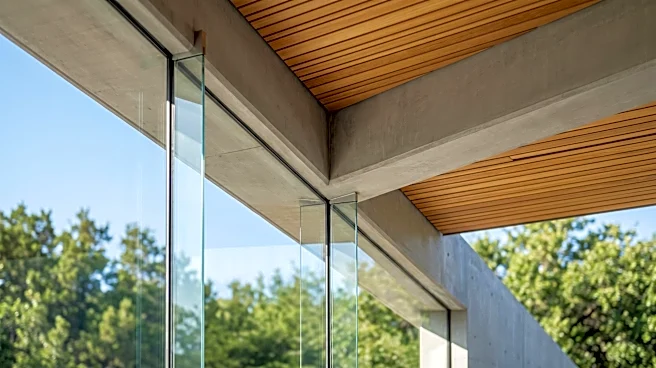
A logical-seeming next step is to place a mesh node right by a window or on the back porch. This seems like a good compromise, but it introduces new problems. Most consumer mesh systems are designed exclusively for indoor use. They aren't built to handle the temperature swings, humidity, or direct sunlight of an outdoor environment. Placing an indoor unit outside, even in a covered area, can shorten its lifespan and lead to performance issues. Furthermore, just being near a window doesn't solve the core physics problem. Low-emissivity (Low-E) glass, common in modern homes for its insulating properties, often has a thin metallic coating that reflects Wi-Fi signals just as effectively as a brick wall. The signal might as well be hitting a mirror.
Wireless Hops and Halved Bandwidth
Mesh systems create a blanket of coverage by having nodes talk to each other. But here’s the rub: in many consumer-grade systems, every wireless 'hop' a signal makes from one node to the next can cut the available bandwidth in half. The node in your ADU isn’t talking directly to the main router; it’s talking to another node in the main house, which then relays the signal. That’s at least one hop, instantly reducing your potential speed. If the signal is already weak from passing through the exterior wall, the connection becomes slow and unreliable, leading to buffering on video calls and frustrating lag. This is why a system that promises blazing speeds on the box can deliver dial-up-like performance in a backyard unit.
The Power Placement Paradox
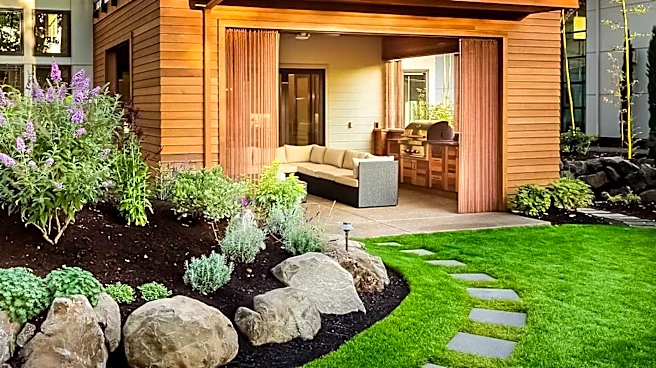
Even if you buy a dedicated, weather-resistant outdoor access point, you hit another wall: power. The ideal location for a wireless node is rarely near an outdoor-rated power outlet. You might find the perfect spot on a pole or the side of the house for a clear line of sight to the ADU, only to realize there’s no way to plug it in without running an ugly and potentially unsafe extension cord. This forces a compromise, placing the node in a less-than-ideal spot simply because that’s where the power is. This often puts it too close to the main house or behind new obstructions, defeating the purpose of having an outdoor unit in the first place.
So, What's the 'Right' Way?
For a truly reliable connection, wireless mesh is often the wrong tool for this specific job. The gold standard, which engineers will eventually land on after trying everything else, is to go wired. Running a single, direct-burial Ethernet cable in a conduit from the main house to the ADU during construction is the most robust solution. Once the cable is in the ADU, it can be connected to a simple Wi-Fi access point, which then creates a powerful, full-speed local network inside the new space. If trenching isn't an option, dedicated point-to-point (PtP) wireless bridges are the next-best thing. These devices are designed to create a powerful, focused wireless link between two buildings and are far more effective than a consumer mesh system for this task.