




Building a machine capable of handling modern AI workloads is an expensive endeavor. This Black Friday, the right deals can turn a massive capital expense into a strategic investment for your development setup.
The GPU: The Heart of the Operation
If you are serious about AI, the graphics
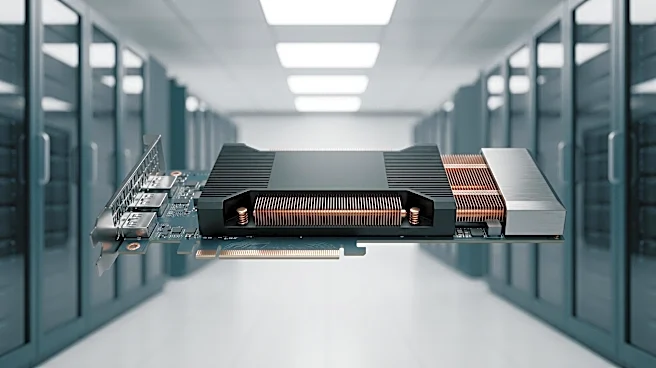
card is non-negotiable. While mid-range rigs featuring the RTX 5070 are making waves for 1080p and 1440p gaming, AI developers need to look closely at VRAM and CUDA core availability. For those on a budget, a mid-range RTX 5070 setup provides a decent entry point, but keep in mind that heavy model training will eventually demand more memory. Look for deals that balance raw compute power with enough video memory to keep your datasets from overflowing.
High-Speed NVMe Storage
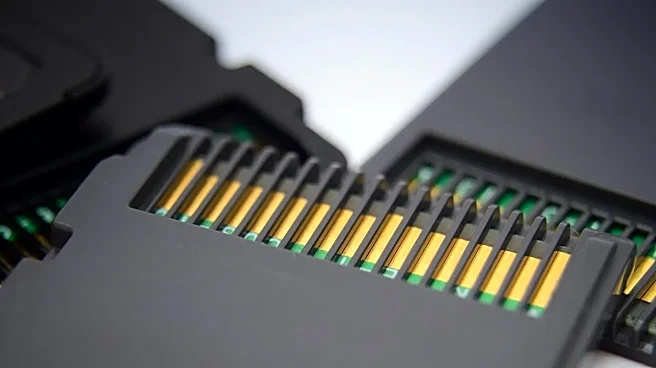
Data throughput is the silent killer of AI performance. When you are loading massive datasets into memory, a slow drive becomes a massive bottleneck. This year, PCIe 5.0 SSDs like the Samsung 9100 PRO are pushing the envelope with read speeds hitting a staggering 14,700 MB/s. While these high-end drives come with a premium price tag, the speed advantage for rapid data ingestion is significant. If the PCIe 5.0 price is too steep, a high-quality PCIe 4.0 drive with speeds around 7,000 MB/s remains a highly efficient alternative for most local development tasks.
Massive Capacity SSDs
AI development isn't just about speed; it is about scale. Large language models and massive image datasets require enormous amounts of space. Keep an eye out for high-capacity SSD deals, specifically those hitting the $0.10 per GB mark. Finding a 4 TB drive at a deep discount is a strategic win, allowing you to store multiple versions of datasets and model weights without constantly playing the storage management game.
The Power Supply Unit (PSU)
Don't let a cheap power supply throttle your expensive hardware. High-end GPUs and multi-core CPUs pull significant wattage, especially during intense training cycles. When shopping, look for ATX 3.1 compliant units that include dedicated 12V-2x6 cables. This ensures you have the native connectivity required for modern high-power cards and provides the necessary headroom to prevent system crashes during peak loads.
System Memory (RAM)
While the GPU handles the heavy lifting, your system RAM is the staging area. For modern builds, DDR5-6000 is becoming the standard for high-performance machines, offering much better bandwidth than older DDR4 modules. If you are choosing between an AMD-based rig with DDR5 or an Intel-based rig with DDR4, the DDR5 option is generally the better long-term investment for data-heavy AI workflows.
CPU and Platform Balance
A common mistake is pairing a top-tier GPU with a weak CPU. For AI, you need a processor that can feed data to the GPU fast enough to keep it utilized. Whether you opt for a Ryzen 9600X or a Core i5, ensure the platform supports the PCIe lanes and memory speeds required to prevent the CPU from becoming a bottleneck during data preprocessing stages.
The Case and Thermal Management
AI workloads generate intense, sustained heat. A high-quality case with excellent airflow is just as important as the silicon inside. When checking compatibility, always verify that your chosen GPU length and CPU cooler height fit within the chassis limits. A well-ventilated case ensures your components don't thermal throttle, which would otherwise negate any performance gains you gained from your Black Friday deals.
Motherboard Connectivity
Look for motherboards that offer sufficient M.2 slots for those high-speed SSDs and enough PCIe lanes if you plan to add multiple GPUs or high-speed networking cards later. As AI models grow, the ability to expand your storage and compute capacity without replacing the entire motherboard becomes increasingly valuable.
The Upgrade vs. Build Decision
Before you buy everything new, use AI-powered or compatibility-checking tools to see if your current rig can be salvaged. Sometimes, a simple GPU swap or a RAM upgrade is enough to breathe new life into an existing machine, allowing you to redirect your Black Friday budget toward more critical components.
Cooling Solutions
Don't overlook the importance of high-performance air or liquid coolers. A reliable cooler, like those designed to fit within standard mid-tower limits, is essential for maintaining stable clock speeds during the long hours of model training.
The Power Calculator
Finally, use a power supply calculator before hitting the checkout button. Inputting your specific CPU, GPU, and memory configuration ensures you don't end up with a system that pulls more power than your PSU can safely deliver.