






The Danger of a 'Flat' Network
Most people, when setting up a simple network, create what’s known as a “flat” network. This means every device—your point-of-sale (POS) terminal, the back-office computer with payroll data, the Sonos speaker streaming music, and every single customer’s
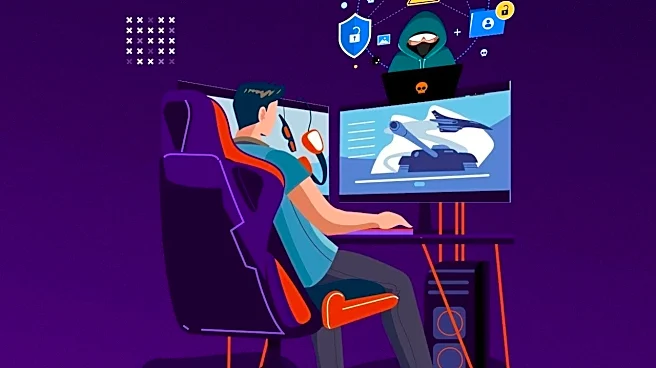
laptop—is in the same digital “room.” While this is easy to set up, it’s a security nightmare. Think of it like a house with no interior walls. If one person comes in the front door with a cold, everyone in the house is exposed. On a flat network, a single compromised customer device could potentially see, and try to access, your critical business systems. That customer sipping a latte has no ill intent, but the malware on their unpatched laptop does.
The Hidden Detail: True Network Segmentation
The single most important detail that many DIY setups miss is proper network segmentation. This isn't just about creating a “Guest Wi-Fi” name with a different password. Many consumer routers offer a guest mode, but not all of them truly isolate traffic. The professional approach is to create a completely separate Virtual Local Area Network, or VLAN. A VLAN acts as a digital wall, splitting your single physical network into multiple, isolated virtual ones. Your private business traffic (POS, printers, etc.) lives on one VLAN, and all public guest traffic lives on another. The two are configured so they cannot interact with each other at all; the guest network can only access the internet.
How to Implement It (Without an Engineering Degree)
This might sound complex, but modern prosumer and small business-focused networking gear often make it straightforward. When buying a router, don't just look for “high speed.” Look for features explicitly called “VLAN support” or “Network Isolation.” Brands like Ubiquiti, Cisco Meraki, and others aimed at small businesses build this capability in. During setup, you'll create a primary, trusted network for your business operations and a separate guest network assigned to its own VLAN. You then create a firewall rule that says the guest VLAN can talk to the internet, but it can never talk to the business VLAN. This ensures that no matter what happens on the public-facing side, your business operations remain in their own protected bubble.
Don't Forget Client Isolation
Once you've separated your guests from your business, there's one more crucial step: separating your guests from each other. This feature is called “Client Isolation” or “AP Isolation.” When enabled, it prevents devices connected to the same public Wi-Fi network from seeing or communicating with one another. This means one customer can't attempt to snoop on another customer's device. It effectively puts each guest in their own private booth, unable to see their neighbors. This simple checkbox, available on most reputable access points, dramatically reduces the risk of user-to-user attacks on your public network and is a hallmark of a securely configured system.
Putting It All Together
A secure coffee shop network isn't about having the most expensive hardware; it's about using affordable, modern gear correctly. The setup should look like this: a main, private Wi-Fi network for your POS system, company laptops, and music system. This network is protected by a strong, private password. Then, you create a second, public-facing Wi-Fi network. This network must be on a separate VLAN, have Client Isolation enabled, and ideally, have its bandwidth limited so that a few people streaming videos don't slow down your credit card transactions. You might also add a captive portal, which is the landing page that asks users to agree to your terms of service before connecting. This structure protects you, your business, and your customers.