







The Lab vs. The Real World
First, let's get one thing straight: the speed you pay for is the speed delivered to the modem, not the speed every device gets over Wi-Fi. Think of it like this: your internet service provider (ISP) guarantees a certain amount of water pressure to your house
(the modem). Running a speed test with a computer plugged directly into your router via an Ethernet cable is the 'lab' test. This measures the best-case scenario, showing the full speed coming into your home. 'Production' is what happens when you turn on the faucets all over your two-story house (your devices on Wi-Fi). The speed you get on your phone in the upstairs bedroom is the real-world result, after the signal has navigated a household obstacle course.
The Two-Story Obstacle Course
Wi-Fi signals are radio waves, and they don't like obstacles. In a multi-story home, the biggest culprit is the floor itself. It's not just wood; it's a dense combination of joists, subflooring, insulation, plumbing, and electrical wiring. Each of these materials weakens the signal as it tries to travel vertically. Walls made of brick, concrete, or plaster are also significant signal blockers. Even large furniture, metal appliances, and mirrors can absorb or reflect the signal, creating dead zones where you least expect them. So, that fast signal leaving your router downstairs loses a chunk of its strength just trying to reach the second floor.
Distance and Router Placement
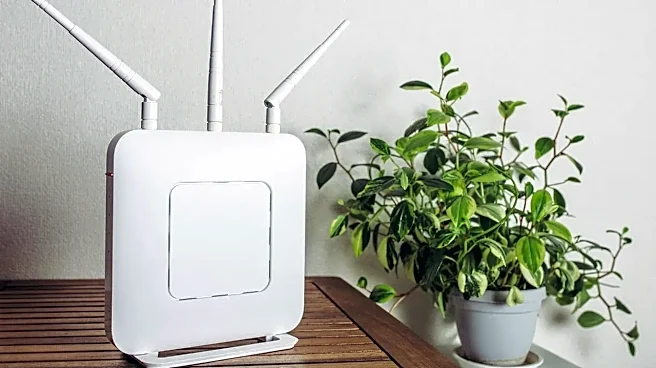
It sounds obvious, but distance is a primary factor. The farther you are from your router, the weaker the signal gets. This effect is amplified in a two-story home because the signal has to travel both horizontally and vertically. Many people place their router wherever the internet line comes into the house, which is often in a corner, a basement, or under the stairs. This is terrible for coverage. Wi-Fi signals radiate outwards and slightly downwards, so a router sitting on the floor wastes much of its energy. For a two-story house, the ideal placement is often in a central location, high up on the first floor, to give the signal the best possible chance of reaching the rooms above.
The Unseen Traffic Jam
Your Wi-Fi network isn't operating in a vacuum. It's competing with a host of other signals that can cause interference. Common culprits include your microwave, cordless phones, and Bluetooth devices. Even more significant is interference from your neighbors' Wi-Fi networks. If you live in a dense area, dozens of networks might be competing for the same limited radio channels, creating a constant traffic jam that slows everyone down. Modern routers often broadcast on two bands: 2.4GHz and 5GHz. The 5GHz band is faster but has a shorter range and penetrates solid objects poorly. Your upstairs devices might be clinging to a weak 5GHz signal, resulting in slow speeds even when the signal bar looks full.
Not All Devices Are Created Equal
Finally, the device you're using for the speed test matters. An older smartphone or laptop might not support the latest, fastest Wi-Fi standards that your router is using. The size and quality of the internal antenna also vary wildly between a high-end laptop and a budget smart-home device. That's why running a speed test on your brand-new laptop in the office might give you a much higher number than the test you run on your older tablet in the same spot. It’s not that the Wi-Fi is different from moment to moment; it’s that the devices themselves have different capabilities for receiving that signal.