





The 'Hub' Isn't Always a Box Anymore
The first surprise for many newcomers is that the very definition of a 'hub' has become blurry. Years ago, you needed a distinct, often unappealing plastic box to be the central brain of your smart home. Buyer's guides still often frame the choice this
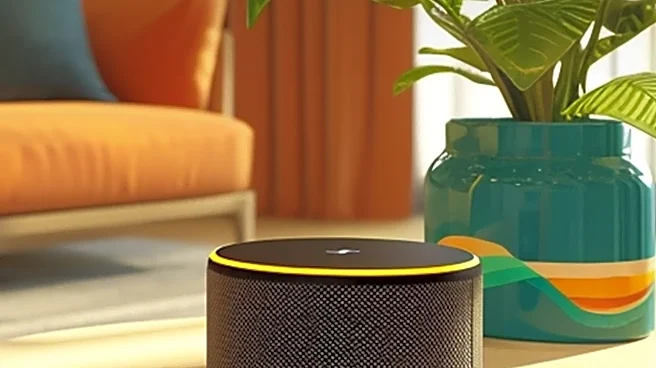
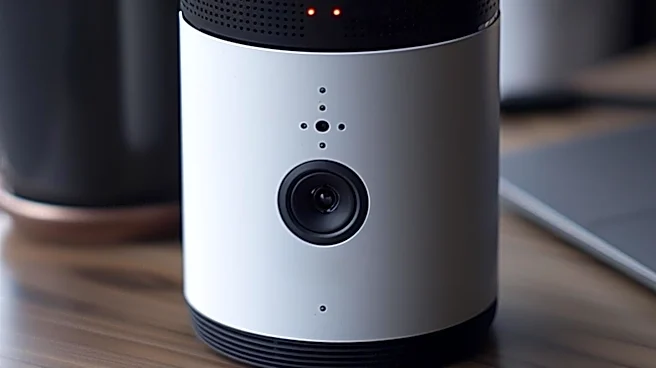
way, pitting dedicated hubs against each other. The reality in 2026 is that many of the most popular hubs are devices you might already own. Smart speakers like the Amazon Echo and Google Nest Hub, and even devices like Apple TV, now contain the necessary radios and software to act as the central controller for a smart home. This creates a confusing choice: should you buy a dedicated hub that promises more power, or just use the speaker you wanted anyway? The guides often focus on the device, but the real decision is about the 'ecosystem' you're entering, which leads to the next big surprise.
You're Buying an Alphabet Soup of Protocols
When you choose a hub, you're not just buying a piece of hardware; you're placing a bet on a communication standard. This is the single biggest thing most buyer's guides fail to properly explain. They'll say a hub is 'compatible' with thousands of devices, but the crucial detail is how. The main 'languages' your devices speak are Wi-Fi, Zigbee, Z-Wave, and Thread. Wi-Fi is everywhere, but can get congested. Zigbee is popular for affordable sensors. Z-Wave is known for its reliability and security, especially for things like door locks. And Thread is the newer, IP-based protocol that underpins the Matter standard. A hub's true power lies in which of these languages it can speak. A guide might praise a hub for its sleek design, but if it doesn't have the right radios for the devices you want to use, it's just a stylish paperweight.
The 'Universal' Standard Still Has Seams
The Matter protocol was designed to solve this mess. Backed by Apple, Google, Amazon, and others, it promised to be the 'one ring to rule them all'—a universal language ensuring any Matter-certified device works with any Matter-certified controller. And to be fair, it has made things much simpler. You can now buy a device with the Matter logo and have a high degree of confidence it will connect to your Google Home, Apple Home, or Alexa setup. The surprise for new users is that 'works with' isn't the same as 'works well with' or 'exposes all features'. A brand's native app often unlocks advanced settings that don't translate over to the generic controls in your main smart home app. So while Matter gets all your gadgets into the same playground, they sometimes still play in separate corners.
Your Wi-Fi Is the Unsung Hero (or Villain)
Many users invest in a top-of-the-line hub and a basket of smart devices, only to be plagued by unresponsive lights and offline cameras. They blame the hub, but the real culprit is often the home's Wi-Fi network. Smart homes place an enormous strain on a standard router provided by your internet company. Each Wi-Fi-connected smart plug, camera, and speaker is another client fighting for bandwidth. A buyer's guide will never tell you this, but a successful smart home is built on a foundation of strong, reliable Wi-Fi. For many, this means the 'first' smart home purchase should have actually been a modern mesh Wi-Fi system capable of handling dozens of connected devices without breaking a sweat.
Automation Is a Hobby, Not an Appliance
The dream is a home that just knows: the lights fade up in the morning, the thermostat adjusts when you leave, and the doors lock at night. While all this is possible, buyer's guides sell the destination without describing the journey. Creating these 'routines' or 'automations' is less like using an appliance and more like taking up a light hobby. You have to think through the logic: When this happens, if this condition is also true, then do that. It involves trial and error, tinkering in an app, and figuring out what works for your family's actual life, not an idealized version. The surprise isn't that it's difficult, but that it requires more creative thought and patience than simply plugging in a new toaster.