






The Unchanging Digital Fingerprint
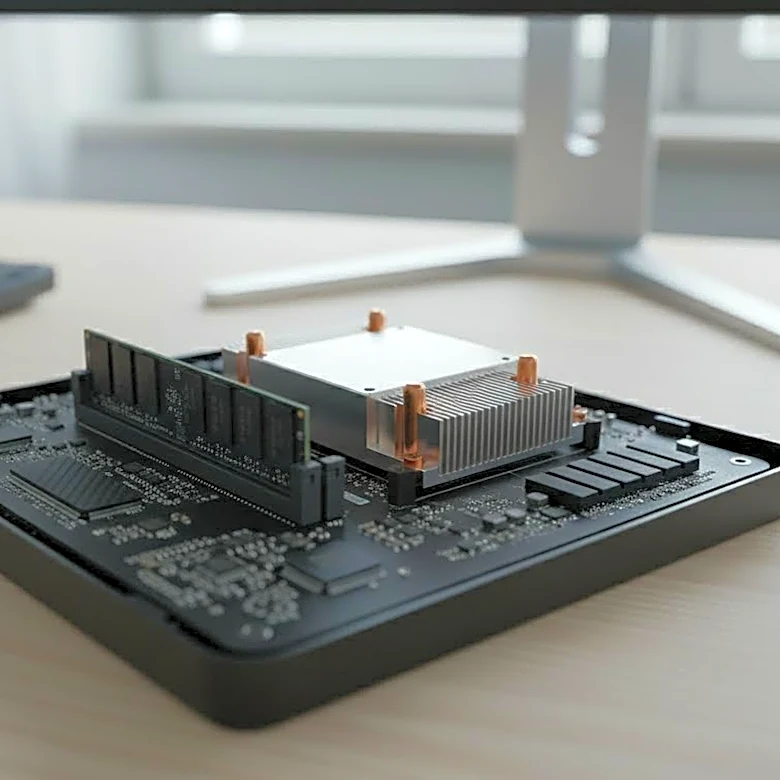
Think of a MAC (Media Access Control) address as the serial number that's physically burned into a device's network hardware, known as the Network Interface Card (NIC). Unlike an IP address, which is like a temporary mailing address that can change depending
on the network you're on, a MAC address is permanent. It’s a 12-digit hexadecimal number, often looking something like `00:1A:2B:3C:4D:5E`. The first half of this address, the Organizationally Unique Identifier (OUI), identifies the manufacturer—letting a network know if it's talking to a device made by Apple, Cisco, or Intel. The second half is a unique identifier assigned by that manufacturer. In a production system, this isn't just a random string of characters; it's a device's fundamental identity, its unchanging digital fingerprint.
The Handshake for Network Access
When you plug a new server into a rack or an employee connects their laptop to the corporate Wi-Fi, the MAC address is the first thing that speaks up. Before a device can do anything useful, it needs an IP address. It gets one through a process called DHCP (Dynamic Host Configuration Protocol). The device essentially broadcasts a message to the entire local network, saying, "Hi, my MAC address is `XX:XX:XX:XX:XX:XX`, can someone please give me an IP address?" The network's DHCP server hears this, checks its list of available IP addresses, and assigns one to that specific MAC address. From then on, for local communication, other devices use the Address Resolution Protocol (ARP) to translate that IP address back into its corresponding MAC address to ensure data packets go to the right physical hardware. This MAC-to-IP pairing is the foundational handshake for all network activity.
The Bouncer at the Velvet Rope
In a production environment, security is paramount. One of the most common ways system administrators control who gets on the network is through MAC filtering. Think of it as a bouncer with a strict guest list. An administrator can create a "whitelist" of approved MAC addresses. If a device's MAC address is on the list, the network switch or wireless access point allows it to connect. If it's not, access is denied. This helps prevent unauthorized devices—like a random personal phone or a visitor's laptop—from connecting to a secure corporate network. While not foolproof, as MAC addresses can be "spoofed" or copied, it serves as a critical first layer of defense, ensuring that only known and trusted hardware can even attempt to join the network. It’s a simple but effective way to control physical access at a digital level.
Seeing Double in the Virtual World
Modern production systems are heavily virtualized. Instead of one physical server running one operating system, a single machine might host dozens of virtual machines (VMs). Each of these VMs needs to act like a distinct computer on the network, which means each one needs its own unique MAC address. This is where virtual MAC addresses (vMACs) come in. The hypervisor—the software that runs the VMs, like VMware or Hyper-V—generates a unique vMAC for each virtual machine it creates. These vMACs are drawn from a range reserved for virtualization to avoid conflicts with physical hardware. To the rest of the network, these VMs appear as individual devices, each with its own identity. This allows a physical server with a single network port to appear as a switch connected to many different servers, making cloud computing and modern data centers possible.