








1. A Modern Code Editor: VS Code
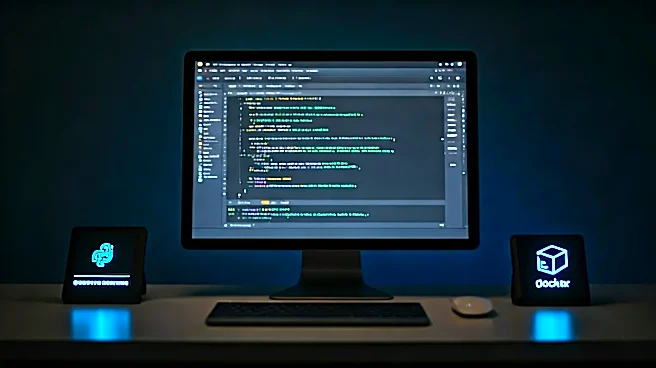
Your code editor is your digital workbench—it’s where you spend most of your day. While you can write Python in Notepad, a modern editor like Visual Studio Code (VS Code) is less of a luxury and more of a necessity. Developed by Microsoft and open-source,
VS Code has exploded in popularity for a reason: it hits the sweet spot between a lightweight text editor and a full-blown Integrated Development Environment (IDE).
What makes it essential? First, its powerful extension ecosystem. With a few clicks, you can install the official Python extension from Microsoft, which instantly gives you intelligent code completion (IntelliSense), code linting to catch errors as you type, and sophisticated debugging capabilities. You can set breakpoints, inspect variables, and step through your code line by line without ever leaving your editor. Second, its integrated terminal means you can run your scripts, manage virtual environments, and use Git commands all in the same window. It streamlines your workflow, keeping you focused and efficient.
2. Version Control: Git
If you’ve ever had a folder named `project_final_v2_final_final.py`, you already understand the problem that Git solves. Git is a distributed version control system, which is a fancy way of saying it’s a tool for tracking changes in your code over time. It’s the industry-standard way that developers and teams collaborate without overwriting each other's work.
At its core, Git allows you to take “snapshots” of your project at any given moment. These snapshots, called commits, create a detailed history of who changed what, and why. This is invaluable for debugging, as you can easily pinpoint when a bug was introduced. But Git’s true power lies in branching. You can create an isolated branch to work on a new feature or fix a bug, test it thoroughly, and then merge it back into the main codebase once it’s ready. This workflow is the foundation of modern software development, enabling parallel workstreams on teams of any size. Learning Git (and a platform like GitHub or GitLab to host your repositories) is non-negotiable for any professional developer role.
3. A Containerization Platform: Docker
“But it works on my machine!” is a phrase that has caused countless headaches for development teams. The root of the problem is usually a subtle difference in environments—a different Python version, a missing dependency, or a conflicting system library. Docker solves this problem with containerization.
A Docker container is a lightweight, standalone package that includes everything needed to run a piece of software: the code, the runtime (like the Python interpreter), system tools, libraries, and settings. This containerized application will run exactly the same way regardless of where it’s deployed—on your laptop, a coworker’s machine, or a production server in the cloud. For Python developers, this means you can define your exact environment in a simple file (the `Dockerfile`), build an image, and share it with anyone. It guarantees consistency from development to production, simplifies onboarding new team members, and makes deploying complex applications far more reliable. Understanding Docker has become a key skill, particularly for roles involving web development and data engineering.
4. An Interactive Notebook: Jupyter
Not all coding is about building a final application. A huge part of Python development, especially in data science, machine learning, and research, is about exploration, analysis, and communication. This is where Jupyter Notebooks shine. A Jupyter Notebook is a web-based interactive environment that lets you create and share documents containing live code, equations, visualizations, and narrative text.
Instead of writing a long script and running it all at once, Jupyter allows you to execute code in small, individual cells. You can load a dataset into a pandas DataFrame in one cell, clean it up in the next, and create a Matplotlib plot in a third. The output of each cell is displayed immediately below it, creating a fluid, conversational workflow. This makes it an unparalleled tool for iterating on ideas, debugging data transformations, and presenting your findings. The notebook becomes a “living document” that shows not just your final result, but the step-by-step process you took to get there, making your work transparent and reproducible.