


It's Not About Speed, It's About Airtime
The first mistake most people make—even tech-savvy ones—is focusing only on internet speed. You can have a gigabit connection, but if your Wi-Fi can't manage traffic efficiently, it won't matter. Think of Wi-Fi not as a pipe, but as a single-lane road
where every device has to take turns talking. This is called 'airtime'. When you have 50+ devices, that road gets incredibly congested. Many of these are older, slower smart devices using outdated Wi-Fi standards. A slow device takes longer to complete its 'turn,' forcing faster, more modern devices like your laptop or phone to wait in line. This is why features like "Airtime Fairness" exist in modern routers—they try to act as traffic cops, preventing one slow device from causing a massive pile-up. However, even the best traffic cop can be overwhelmed.
Your Router Isn't a Supercomputer
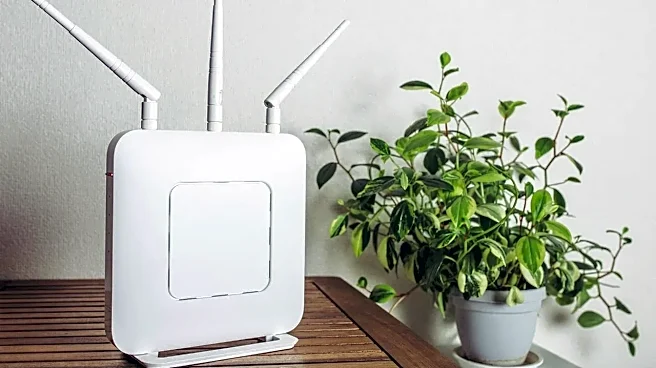
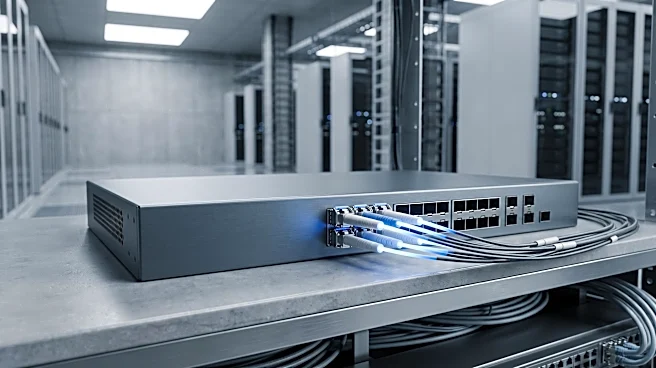
This is the trap that trips up even experienced engineers. In a corporate environment, network hardware is robust, with powerful processors and tons of memory built to handle hundreds of connections. Your home router is not that. A typical consumer-grade router is designed to handle maybe 20 to 50 devices comfortably, and that's often an optimistic figure. Each connected device, even an idle smart plug, requires the router's CPU and RAM to keep track of its connection. With over 50 devices constantly checking in, the router’s tiny brain gets maxed out. It starts dropping connections, introducing lag, and sometimes just freezes and needs a reboot. An engineer might assume their high-end consumer router can handle the load because its specs look good on paper, but they are underestimating the sheer management overhead dozens of 'chatty' devices create.
The Hidden World of Interference
When we think of Wi-Fi interference, we usually blame the neighbor's network. But in a dense smart home, the call is coming from inside the house. The 2.4 GHz frequency, which the vast majority of smart home gadgets use, is a junk band. It's shared with Bluetooth devices, wireless mice, baby monitors, and most notoriously, microwave ovens. Even physical objects like metal-backed mirrors, thick concrete walls, or a large aquarium can absorb and block signals. A senior engineer might meticulously plan their Wi-Fi channels to avoid their neighbors, but completely forget that their new wireless security system or the microwave they use to heat up lunch is polluting the very airwaves their smart plugs rely on. This chaotic environment leads to dropped data packets and constant re-transmissions, grinding the network to a halt.
Thinking in 'Devices' Instead of 'Systems'
The final hurdle is a mental one. We buy smart home products as individual gadgets, but we don't think of them as a collective system. A Wi-Fi network with 50+ clients isn't a simple plug-and-play setup; it's a small-scale enterprise network operating in a residential home. The 'set it and forget it' approach fails because the system is constantly changing. Adding one new smart camera can be the tipping point that destabilizes everything. True optimization requires a shift in mindset. It means strategically placing routers, considering a mesh system designed for device density, moving high-bandwidth devices like TVs and gaming consoles to a wired connection, and separating devices across different Wi-Fi bands (2.4 GHz for simple IoT, 5 GHz or 6 GHz for phones and laptops). It's less about a single 'tip' and more about holistic network design.