






When Algorithmic Purity Meets Reality
In the world of online courses and bootcamps, code is often treated as a pure, mathematical concept. We learn about efficiency through the lens of algorithmic complexity—Big O notation—which tells us how an algorithm’s runtime scales with the size of its
input. It’s an invaluable tool for abstract reasoning. The problem is, the computers we use don’t run on abstractions. They run on physical silicon, and the way that silicon is designed has a profound, and often surprising, impact on performance. Many skilled, self-taught engineers can write clean, logically sound code but remain mystified when a theoretically efficient function runs sluggishly. They’ve optimized the algorithm, so what gives? The answer isn't in the code; it's in the chasm between the CPU and the main memory.
The 'Memory Wall' and the CPU Cache
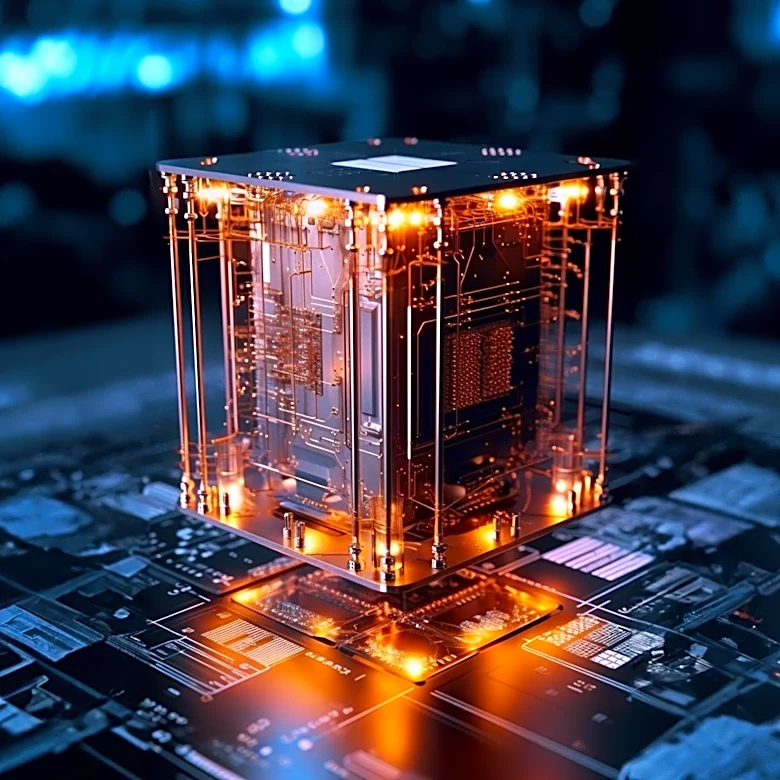
Here's the big secret: your computer's Central Processing Unit (CPU) is blindingly fast, but your main memory (RAM) is, by comparison, incredibly slow. In the time it takes for a modern CPU to perform hundreds of calculations, it might still be waiting for a single piece of data to arrive from RAM. This speed gap is often called the "memory wall." To solve this, chip designers created CPU caches: small, extremely fast banks of memory located directly on the processor chip itself. A CPU has multiple levels of cache (L1, L2, L3), each successively larger and slightly slower. When the CPU needs data, it checks the L1 cache first. If it's there (a "cache hit"), access is nearly instantaneous. If not (a "cache miss"), it checks L2, then L3, and only as a last resort does it make the long, slow journey to RAM. Understanding this hierarchy is the key that unlocks a new level of performance optimization.
Thinking in 'Cache Lines'
The CPU doesn't fetch data from RAM one byte at a time. Instead, it pulls in a fixed-size chunk, typically 64 bytes, called a "cache line." It does this based on a principle called "locality of reference." The idea, known as spatial locality, is that if your code needs one piece of data, it will probably need the data located right next to it in memory soon. Think of it like going to the library for a single book. Instead of just grabbing that one book, you grab the three or four books right next to it on the shelf, assuming they might also be relevant to your research. The CPU does the same thing with memory. By grabbing an entire cache line, it's betting that the next data your code asks for is already loaded and waiting in its super-fast cache. When you write code that makes this bet pay off, your program flies. When your code jumps all over memory randomly, it forces the CPU to constantly go back to the slow library of RAM, resulting in a cascade of performance-killing cache misses.
A Shockingly Simple Example
Let's make this tangible. Imagine you have a large two-dimensional array of numbers, like a massive spreadsheet. You want to iterate through every cell. You could do this row by row, or you could do it column by column. In terms of Big O notation, the complexity is identical. But in the real world, the performance difference can be staggering—sometimes by a factor of 10 or more. Why? Most programming languages store 2D arrays in memory in "row-major" order. This means all the elements of the first row are laid out contiguously, followed by all the elements of the second row, and so on. When you iterate row by row, you are accessing memory sequentially. The CPU's cache-line-grabbing strategy works perfectly. After accessing the first element of a row, the rest of the row's data is likely already in the cache, waiting for you. But if you iterate column by column, you access an element, then jump far ahead in memory to the corresponding element in the next row, then jump again. Each access is likely to a different memory region, causing a cache miss and forcing a slow trip to RAM. You're constantly asking for books from different sections of the library, and the performance penalty is severe.