








Black Friday promises massive savings, but for developers and AI enthusiasts, a cheap laptop can quickly become an expensive paperweight. Here is how to spot a real deal.
The Developer's Minimum Spec Checklist
When you are running Docker containers, heavy VS Code extensions, or local LLMs,
the standard consumer laptop specs often fall short. A deal might look tempting because of a low price tag, but if it lacks the muscle to handle your workflow, you are just buying a headache. To avoid this, you need to look past the marketing and focus on four critical pillars: the processor, the RAM, the storage, and the NPU.
Don't Get Tricked by the RAM Trap
This is the most common pitfall in Black Friday shopping. Retailers often advertise a 'discounted' price that actually refers to a base model with only 8 GB of RAM. For a modern developer, 8 GB is barely enough to keep Windows 11 and a few Chrome tabs running, let alone a Docker engine and a local AI model. For Copilot+ PC functionality and smooth multitasking, 16 GB is the absolute floor. If you see a deal that looks too good to be true, check the fine print: you might be looking at the low-memory version of a much better machine.
The Rise of the NPU and Local AI
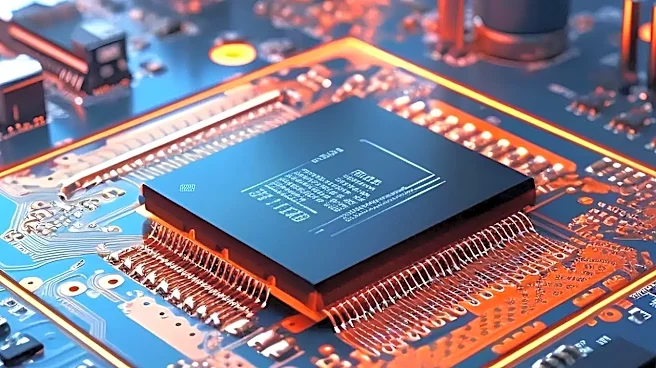
If your goal is to run local AI tools, the term 'AI PC' is more than just marketing fluff—but only if it meets specific hardware requirements. A true Copilot+ PC requires a dedicated Neural Processing Unit (NPU) capable of at least 40 trillion operations per second (TOPS). This chip handles AI tasks like Live Captions or image processing much more efficiently than your CPU or GPU, freeing up those resources for your actual coding work. Look for processors from the Qualcomm Snapdragon X, Intel Core Ultra 200V/300V, or AMD Ryzen AI 300/400 families to ensure you are getting a machine built for the next wave of local intelligence.
Storage and Processor Integrity
Docker images and local AI models are massive. A 128 GB or even a 256 GB SSD can disappear in a week if you are constantly pulling new containers or downloading large model weights. Aim for at least 256 GB of SSD storage, though 512 GB or 1 TB is the sweet spot for professional use. Additionally, verify the processor generation. A discount on a two-year-old processor is not the same as a discount on the latest architecture. Ensure the CPU is modern enough to support the virtualization technologies required for smooth container performance.
Spotting Fake Discounts
Retailers have a few tricks to make a price look lower than it actually is. Sometimes, they raise the price weeks before Black Friday only to 'slash' it back to the original price on the big day. Other times, they compare a high-end model to a low-end model with the same name to make the price drop look steeper. To protect yourself, always check the model number. If the RAM, SSD, or processor differs from the one you were originally eyeing, you are looking at a different product entirely, not a better version of the same one.