







The Siren Song of Simplicity
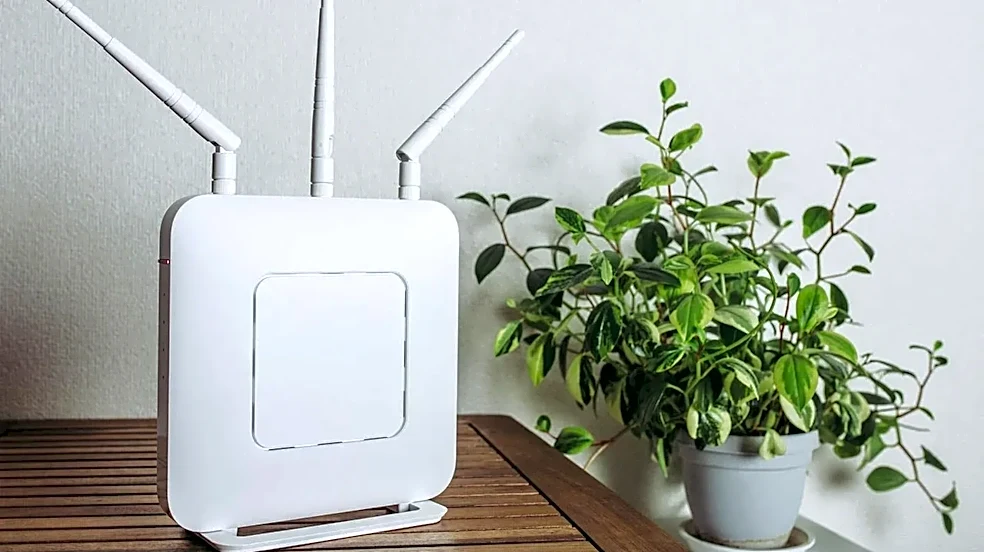
Mesh Wi-Fi was marketed as the magic bullet for our sprawling, signal-hungry homes. Unlike a single, lonely router, a mesh system uses multiple satellite 'nodes' to spread a seamless web of connectivity. For spaces around 3,000 square feet—too large for one router but
not quite a mansion—it seems like the perfect, plug-and-play solution. The promise is simple: blanket coverage, no dead zones, and no need to manually switch networks. This elegant simplicity is what sells the systems, but it also hides the complex physics that can bring a network to its knees, leaving even seasoned tech professionals scratching their heads.
The Wireless Backhaul Trap
Here's the number one culprit: the backhaul. Think of it as the private highway that your mesh nodes use to talk to each other. In most consumer-grade, dual-band mesh systems, this highway is shared with all your devices—your laptop, your phone, your smart TV. This creates a massive traffic jam. The node is trying to receive data from the main router and send it to your device using the same radio channel, effectively cutting its potential speed in half with each 'hop'. Some pricier tri-band or quad-band systems have a dedicated, private lane just for backhaul, which dramatically improves performance. But if you're using a more common dual-band system, you’re forcing commuter traffic and long-haul trucking onto the same two-lane road, and everything grinds to a halt.
When Your House Fights Back
Wi-Fi signals are just radio waves, and they don't pass through all materials equally. While they handle standard drywall fairly well, the story changes in homes with denser construction. A 3,000-square-foot house often has more than just drywall. Think plaster-and-lath walls (which can contain a metal mesh), thick brick fireplaces, concrete floors, or even energy-efficient windows with metallic film. These materials don't just weaken the signal; they can absorb or reflect it entirely. An engineer might logically place a node in a central hallway, only to find the signal is being swallowed by a concrete wall or reflected away by a large mirror, creating a coverage shadow in what should be a perfectly-served room.
The 'Sticky Client' Phenomenon
One of the most frustrating and non-obvious problems is the 'sticky client'. A core promise of mesh is seamless roaming, where your device intelligently switches to the node with the strongest signal as you move around. The reality is that the device—not the network—makes the final decision. And most devices are lazy. Your phone will often 'stick' to the first node it connected to, even if you’ve walked to the other side of the house and a much closer node is available. This is why you can be standing right next to a satellite node and still have a terrible connection; your phone is stubbornly maintaining a weak link to the main router two floors away. Advanced features like 'Client Steering' try to nudge devices to make a better choice, but the client can ignore the suggestion.
The Unseen Network Congestion
Finally, your mesh network isn't operating in a vacuum. It's competing for airtime. In a larger home, you have more devices, but you also have more potential interference. Your neighbor's powerful new router, your own baby monitor, a microwave oven, or even old electrical wiring can all create radio frequency (RF) noise that clogs up the airwaves. Mesh systems are designed to navigate this, but in a dense environment, there are only so many available channels. If multiple nodes are all trying to shout over each other and the background noise, the entire network's performance degrades. You can have full bars of 'signal', but the actual data throughput is abysmal because the line is too busy.