







Your Bedroom Isn't Just for Sleeping Anymore
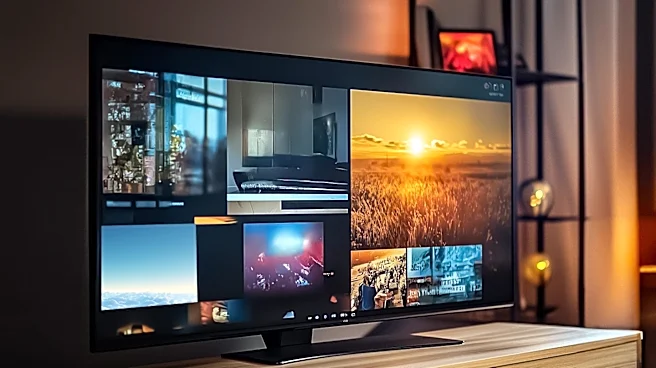
The first surprise for many is realizing just how much they rely on a strong internet connection in the one room they assumed was for rest. In reality, the modern master bedroom has become a personal entertainment den and a secondary office. With smart
TVs for 4K streaming, tablets for reading and browsing, and laptops for finishing up work, the demand for robust Wi-Fi has skyrocketed. This isn't just about checking email anymore; it's about supporting high-bandwidth activities that are just as demanding as those in the living room. When the connection falters, it’s not a minor inconvenience—it’s a disruption to your private sanctuary for relaxation and productivity.
The Prime Culprits: Distance and Walls
So, why is the signal often weakest in the master bedroom? It usually comes down to two simple factors: distance and obstacles. Most home internet connections enter the house in a living room or office, which means the router is often placed as far from the master bedroom as possible. A Wi-Fi signal weakens the farther it travels. Worse, every wall, floor, and large piece of furniture it has to pass through degrades it further. Materials like drywall cause minimal signal loss, but denser materials such as brick, concrete, or even large mirrors can significantly block or reflect Wi-Fi waves. Your bedroom might be a signal 'dead zone' simply because of its location and the number of physical barriers between it and your router.
Solution 1: The Wi-Fi Extender
A Wi-Fi extender, also known as a repeater, is often the first thing people buy. It’s an affordable, plug-and-play device that captures your existing Wi_Fi signal and rebroadcasts it to extend its reach. If you have one specific dead spot, an extender can seem like a perfect, cheap fix. However, the surprise comes with the performance. Basic extenders often create a new network name (like 'YourNetwork_EXT'), requiring you to manually switch networks as you move through the house. More importantly, because they use part of their wireless capacity to talk back to the router, they often cut your available internet speed by up to 50%.
Solution 2: The Mesh Wi_Fi System
For a more seamless and powerful solution, a mesh Wi_Fi system is the modern standard. Instead of just repeating a weak signal, mesh systems replace your router with multiple interconnected 'nodes' that you place around your home. These nodes work together to create a single, unified network under one name. As you move from the living room to the bedroom, your device automatically and seamlessly connects to the strongest node without dropping the connection. While more expensive than a single extender, a mesh system is designed to eliminate dead zones across your entire home, providing consistent speeds everywhere. It's the ideal fix for multi_story homes or layouts where a single router just can't cope.
Solution 3 : Powerline and MoCA Adapters
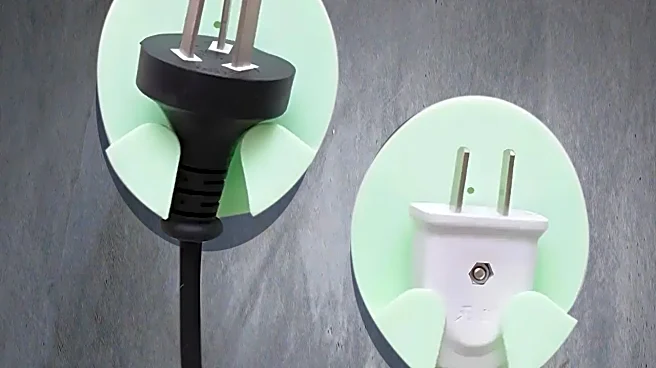
For the most demanding users—like gamers or those streaming uncompressed video—even the best Wi_Fi can sometimes fall short. This is where you might be surprised by a wired solution that doesn't require drilling holes. Powerline adapters use your home's electrical wiring to transmit the internet signal. You plug one adapter in near your router and another in the bedroom, creating a stable, wired connection. However, their performance can be a lottery, depending on the quality of your home's wiring and interference from appliances. A more reliable but less common option is a MoCA (Multimedia over Coax Alliance) adapter. If you have cable TV jacks in both rooms, MoCA adapters use that coaxial wiring to create a near‑perfect, Ethernet‑like connection that's incredibly fast and stable.