





The Spec Sheet Trap
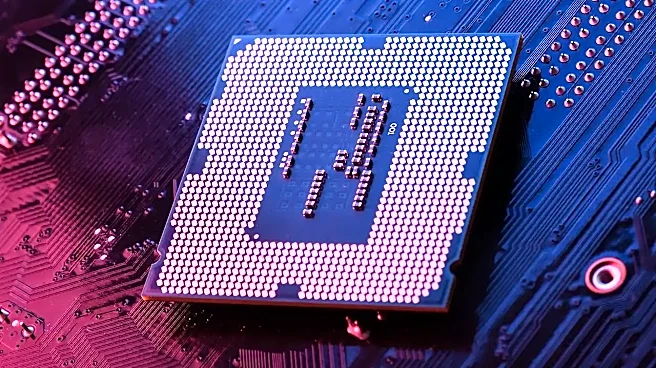
When you are browsing for a new laptop, it is easy to get caught up in the marketing hype. Manufacturers love to shout about high-end processors and dedicated graphics cards. For a student, these are often expensive distractions. If your daily routine
involves juggling video lectures, dozens of browser tabs, and a heavy word processor, you do not necessarily need a top-tier gaming chip. In fact, spending extra on a high-end processor or a dedicated graphics card often results in a heavier, pricier machine that offers zero noticeable benefit for your actual coursework. The real performance gap exists between what is promised on the box and how the machine handles your specific workload.
The True Essentials: RAM and SSD
If you want to avoid the dreaded freeze during an online seminar, you need to shift your focus. The most critical components for student productivity are memory (RAM) and storage speed (SSD). While a manufacturer might brag about clock speeds, it is the RAM that keeps your environment fluid. Having 8 GB of RAM is generally considered the functional floor for modern studying; it allows you to keep a video call running while simultaneously managing spreadsheets and research tabs. If you are someone who lives with fifty tabs open at once, stepping up to 16 GB provides much-needed breathing room. Pairing this with an SSD is equally vital, as it ensures the operating system and your essential programs launch instantly rather than leaving you staring at a loading icon.
The Battery Life Illusion
Perhaps the biggest discrepancy between spec sheets and reality is battery endurance. You will often see advertised runtimes that suggest you can go two days without a charger, but those numbers are almost always calculated under perfect, laboratory conditions: low brightness, minimal background activity, and single-tasking. In the real world—where you are cranking up screen brightness to see in a bright lecture hall or running background sync clients and messaging apps—that runtime can drop significantly. Two laptops might have identical battery capacities on paper, but one might fail halfway through your afternoon classes because its screen or connectivity demands more power than the manufacturer's ideal scenario accounted for.
Portability and Practicality
Beyond raw speed, there is a physical dimension to performance that spec sheets often gloss over. For a student, performance is also measured by how much of a burden the device is to carry from the dorm to the library. A high-performance machine that weighs five pounds more than necessary will quickly become an obstacle. Similarly, screen real estate matters for multitasking; a Full HD resolution is essentially the minimum requirement to ensure text remains legible when you have two windows open side-by-side. When choosing your next device, look past the flashy processor names and prioritize these practical pillars: sufficient RAM, fast SSD storage, decent screen resolution, and realistic battery endurance.