








Investing in GPUs for AI and high-performance computing is a major capital expense. But the sticker price is just the beginning. The real cost lies in operations. A simple spreadsheet can reveal the true Total Cost of Ownership (TCO).
Building Your TCO Framework
A good cost model
prevents budget surprises. Start by creating a spreadsheet with a row for each group of GPUs you want to analyze. Your columns should track the essential variables: number of units, purchase price per unit, power draw in watts, your local electricity rate, and the hardware's useful life in years. This framework allows you to see beyond the initial purchase and model the full financial impact of your investment over its entire lifecycle. The goal is to move from a simple hourly rate to a comprehensive budget that includes often-overlooked expenses like cooling, maintenance, and the cost of idle time.
Modeling Realistic GPU Utilization
One of the biggest mistakes in cost modeling is assuming 100% utilization. In reality, most GPUs in typical ML workloads spend significant time idle or underutilized. A GPU running at 30% utilization costs almost as much in electricity as one running at 80%, but it delivers far less value. Your model must distinguish between a 'busy' GPU and a 'useful' GPU. Instead of assuming constant use, create a 'utilization rate' variable. Start with a conservative estimate, like 40-60%, and adjust based on real-world monitoring. This single factor dramatically impacts your cost per useful GPU-hour and reveals the true efficiency of your operations.
Calculating True Power Costs
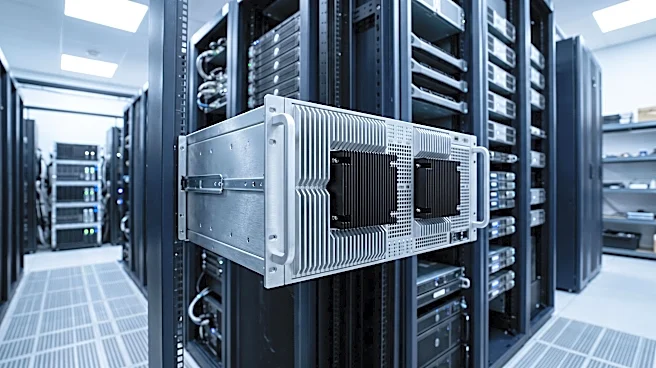
A modern AI server with eight GPUs can draw 10kW or more, making electricity a significant and recurring operating expense. To calculate your direct power cost, use this formula: (Number of GPUs × TDP × Hours of Operation × Electricity Rate) / 1000. TDP, or Thermal Design Power, is the maximum power a GPU can draw. But that's not the whole story. Data centers also consume power for cooling, lighting, and power distribution. This overhead is measured by Power Usage Effectiveness (PUE), a ratio of total facility power to IT equipment power. A PUE of 1.3 means you pay for 1.3 kilowatts for every 1 kilowatt your GPUs use. Multiply your direct power cost by your facility's PUE for a more accurate figure.
Factoring in Hardware Depreciation
GPUs are assets that lose value over time due to both wear and the rapid pace of innovation. This loss, called depreciation, must be accounted for in your financial model. The simplest and most common method is straight-line depreciation. To calculate it, subtract the asset's estimated salvage value (what it might be worth at the end of its life) from its original purchase price. Then, divide that number by its 'useful life'—for highnd computer hardware, this is typically three to five years. The result is the annual depreciation expense. For example, a $40,000 GPU server with a $4,000 salvage value and a four year life depreciates by $9,000 per year. This isn't a cash payment, but it's a real business cost that affects your balance sheet and profitability.
Bringing It All Together for Total Cost
With these components in place, you can now calculate the Total Cost of Ownership. In your spreadsheet, create a summary section that adds up your annual expenses: the total power cost (including PUE) and the annual depreciation. You can also layer in other costs like maintenance contracts, software licensing, and colocation fees if they apply. Dividing this total annual cost by the number of GPUs gives you the true cost to operate a single GPU for a year. Further dividing that by your utilized hours (not just total hours) reveals your effective cost per useful compute hour. This final number is the ultimate metric for comparing different hardware options and making informed, data driven decisions about your infrastructure.