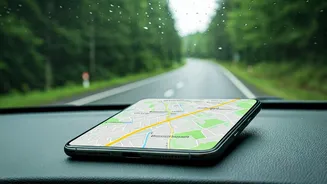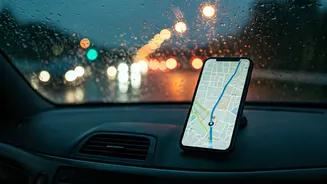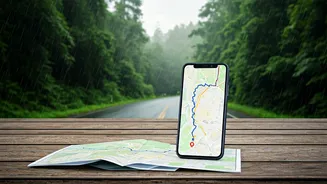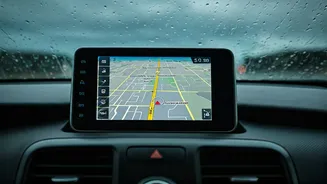








The Anatomy of a Navigation Nightmare
We’ve all put a little too much faith in our smartphones. We trust that the calm, digital voice guiding us will never falter. But modern map applications like Google Maps, Waze, and Apple Maps are data-hungry by design. They are constantly pinging cell
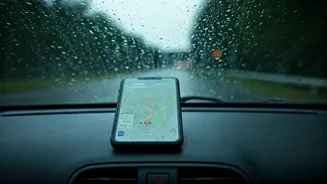
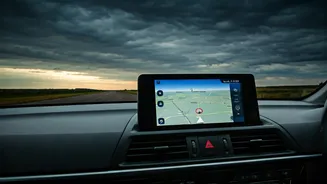
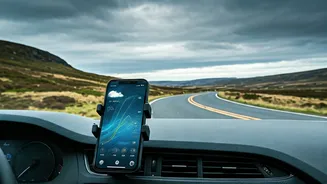
towers and satellites to pull down live traffic data, report accidents, and update business hours. This “always-on” connection is a marvel of technology—until it isn’t. Bad weather, from heavy rain to thunderstorms, can interfere with cellular signals. Drive into a rural area, a dense urban canyon between skyscrapers, or a national park, and you’ll find yourself in a “dead zone.” In these moments, your live map becomes a useless gray grid. The app can’t fetch the next set of directions because its connection to the mothership has been severed. This is precisely when stress skyrockets. You’re not just lost; you’re digitally abandoned when you feel most vulnerable.
Your Digital Co-Pilot That Needs No Signal
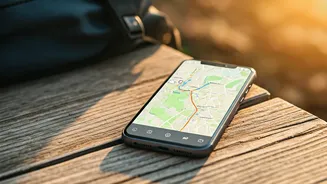
This is where offline maps change the game. Think of an offline map not as a live stream, but as a detailed digital book you’ve already downloaded. Before you leave home, you instruct your map app to save a specific geographic area—your city, a vacation destination, or the route of a long road trip—directly to your phone’s storage. When you venture into an area with poor or no service, the app seamlessly switches from using live data to using this stored information. Your phone’s GPS chip, which works independently of your cellular or Wi-Fi connection, still knows exactly where you are. The app simply plots that location onto the map data you’ve already saved. The result? You still get turn-by-turn directions, you can still see street names, and you can still search for locations within the downloaded area. It’s the digital equivalent of having a detailed paper map in your glove box, but one that knows exactly where you are on the page.
How to Download Your Safety Net
Getting prepared takes less than two minutes. The process is simple on the most popular platforms: **For Google Maps:** 1. Open the app while connected to Wi-Fi. 2. Tap your profile picture or initial in the top right corner. 3. Select “Offline maps.” 4. Tap “Select Your Own Map.” 5. Pan and zoom to frame the area you want to save—a city, a county, or a region for a road trip. 6. Tap “Download.” Google will even tell you how much space it will take up. **For Apple Maps (iOS 17 and later):** 1. Open the app while on Wi-Fi. 2. Tap your profile picture next to the search bar. 3. Select “Offline Maps.” 4. Tap “Download New Map.” 5. Search for a location or choose a suggested one, then adjust the rectangle to cover the desired area. 6. Tap “Download.” These maps can be set to update automatically over Wi-Fi, so they won’t become outdated.
Beyond the Rainy Day
While perfect for navigating a storm, the benefits of offline maps extend far beyond stressful weather. For anyone on a limited mobile data plan, running navigation with offline maps uses significantly less data. It can also help preserve your phone’s battery life, as the device isn’t constantly searching for a signal and downloading information. International travel is where this feature truly shines. You can download a map of London, Tokyo, or Mexico City before you leave home. Upon arrival, you can navigate the entire city on foot or via public transit without ever paying exorbitant international roaming fees. It’s arguably one of the most powerful and underutilized tools for a modern traveler.
Knowing the Limitations
Offline maps are a lifesaver, but they aren’t a perfect replica of the live experience. Because they aren’t connected to the internet, you lose all real-time features. This means no live traffic updates, so you won’t be rerouted around a sudden accident or traffic jam. You also won’t see newly added businesses, fresh reviews, or photos. The search function is limited to what’s in the downloaded data, so it might not find a brand-new coffee shop. It’s a trade-off: you sacrifice real-time information for absolute reliability. But on a rainy, stressful route, reliability is usually the only thing that matters.