


What Is This Viral Trend?
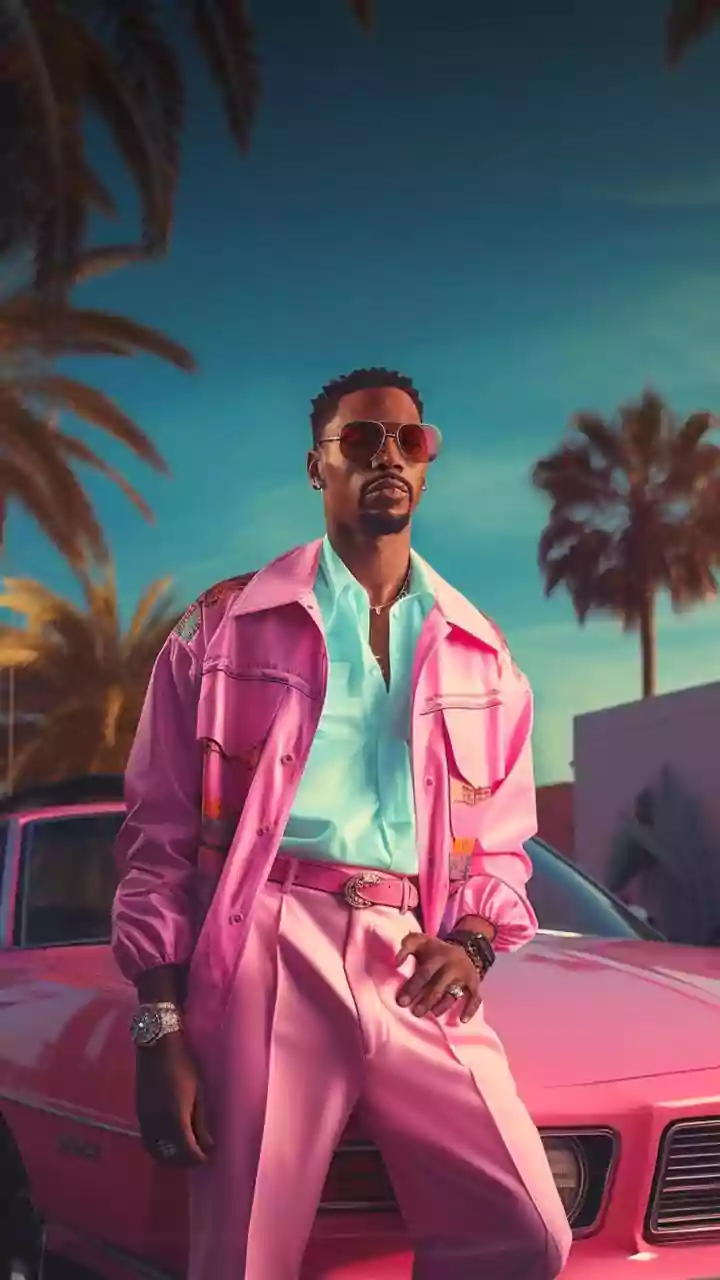
The 1980s AI photo trend involves users generating nostalgic portraits of themselves that look as if they were taken decades ago. Instead of just a simple filter, these AI-generated images intelligently alter clothing, hairstyles, backgrounds, and lighting
to match the distinct aesthetic of the 1980s. The results range from hyper-realistic studio portraits and candid family snaps to over-the-top Bollywood-style photos, complete with voluminous hair, vibrant outfits, and classic film grain. It's a creative blend of nostalgia and cutting-edge technology that has captivated users on platforms like Instagram.
The Tools You Need to Get Started
While the headline says "ChatGPT," it's important to know that you'll be using the image generation capabilities powered by DALL-E 3, which is integrated into the paid version, ChatGPT Plus. The process involves uploading a clear, well-lit photograph of yourself and then giving the AI a detailed text prompt. While other AI image generators exist, the seamless integration of photo uploading and detailed conversational prompting within ChatGPT has made it the go-to tool for this trend. The key is starting with a clear, front-facing photo where your features are easily visible.
The Magic Prompt: A Step-by-Step Structure
A successful 1980s photo isn't just about saying "make me look like I'm from the 80s." The best results come from a structured prompt that guides the AI. Think of it as giving creative direction. A great prompt should always include several key elements. First, state the core request clearly, like "Transform my uploaded photo into a classic 1980s studio portrait." Second, and most importantly, instruct the AI to preserve your identity with a phrase like, "Keep my facial features, identity, and natural skin tone recognizable." This is crucial for making the image look like you. Third, describe the specific aesthetic details: mention clothing, hairstyle, and accessories appropriate for the era. Finally, specify the photographic style. Use terms like "35mm analog film," "subtle film grain," "slightly faded colors," and "soft focus" to get that authentic look.
Example Prompts to Copy and Paste
Ready to try it yourself? Here are a few prompts you can adapt. For a classic school picture, try: "Transform my uploaded photo into an authentic 1980s school portrait. Preserve my face and identity. Dress me in a period-appropriate school uniform. Use the look of a consumer film camera, with subtle analog grain, slightly faded colors, and soft flash." For a more glamorous look, you could use: "Turn this photo into an authentic 1980s Bollywood film-inspired portrait. Retain my natural facial features and give period-appropriate 1980s Indian clothing, hairstyle and accessories, with warm studio lighting, soft focus, and subtle film grain." For a candid family moment, try: "Recreate this photograph as an Indian family picture from the mid-1980s. Include period-appropriate clothes and hairstyles, a simple indoor setting, soft lighting, and the texture of an analogue camera."
Tips for Perfecting Your Retro Look
Don't be discouraged if your first attempt isn't perfect. Refining your prompt is part of the process. If the face doesn't look quite right, you can add a follow-up command like, "Bring my face closer to the original reference photo. Keep my original face shape and eyes." If the fashion is too over-the-top, ask the AI to make it more understated. It is also critical to tell the AI what to avoid. Including phrases like "Avoid modern objects, smartphones, or digital-looking effects" can significantly improve the authenticity of the final image. Experiment with different settings, like a roller rink, a train journey, or a street scene with vintage cars in the background, to create a whole album of fake memories.