







Understanding the 'V5' Designation
In the world of Starlink, version numbers can refer to different parts of the ecosystem, from the satellite dish itself to the router firmware. The term 'V5' in this context appears to refer to the latest generation of the Starlink dish hardware. A recent
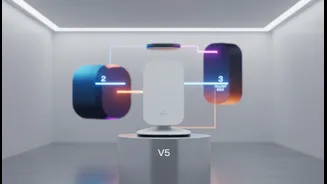
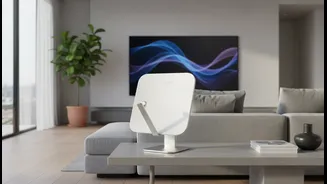
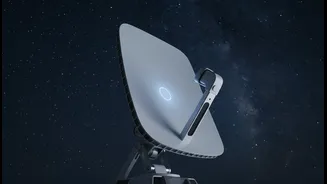
Reddit discussion from July 2026 highlighted the release of this new hardware. The primary differences in the V5 dish are its significantly smaller size, lower weight, reduced power consumption, and better performance in high winds. It's an evolution of the physical dish you mount on your roof or vehicle. However, the compatibility of this new dish relies on the routers that distribute the internet connection throughout your home. This is where the Gen 2 router, Router 3, and Router Mini come into play, as they are the brains of the local network.
Compatibility Across Router Models
Starlink has confirmed that its ecosystem is designed for forward and backward compatibility, with some exceptions. According to Starlink's own support documentation and specifications, the Router Mini, Router 3, and the Gen 2 Router are all compatible for creating a mesh network. This means you can use these devices together to extend Wi-Fi coverage. A user on a recent forum confirmed that their Router 2, Router 3, and Router Mini devices all work seamlessly with the new system. The key is that these routers can communicate with each other and the Starlink satellite terminal to provide a unified network. The only major exception is the original Gen 1 circular router, which is not compatible for meshing with these newer models. So, if you have a Gen 2 (often called Router 2), a Router 3, or a Router Mini, you can be confident they will work with the latest Starlink hardware.
What This Means for Your Home Network
This compatibility ensures that existing users are not forced into a costly upgrade of their entire setup when a new dish is released. You can add a new Router 3 or a compact Router Mini to your existing Gen 2 system to eliminate Wi-Fi dead zones. The Router Mini, a Wi-Fi 6 device, is particularly useful as an add-on mesh node. It can be placed in a remote room or even an RV to extend the network from the main dish, which might be located elsewhere for a better signal. The system is flexible. For instance, you can use the Router 3 to replace a Gen 2 mesh node, but not the main Gen 2 router that powers the dish itself. This modular approach allows users to expand and improve their network performance without replacing the core components.
The Importance of Firmware Updates
While hardware compatibility is crucial, keeping your router's firmware up to date is equally important for performance and security. Router firmware is essentially the device's operating system, and manufacturers release updates to fix bugs, patch security vulnerabilities, and sometimes add new features. Most modern routers, including those from Starlink, can be set to update their firmware automatically. If you prefer manual control, you can typically log in to your router's administration panel via a web browser using its IP address (like 192.168.1.1) to check for and install updates. Ensuring your Router 2, 3, or Mini has the latest firmware will help you get the best performance and stability out of your Starlink system, regardless of which hardware version of the dish you are using.