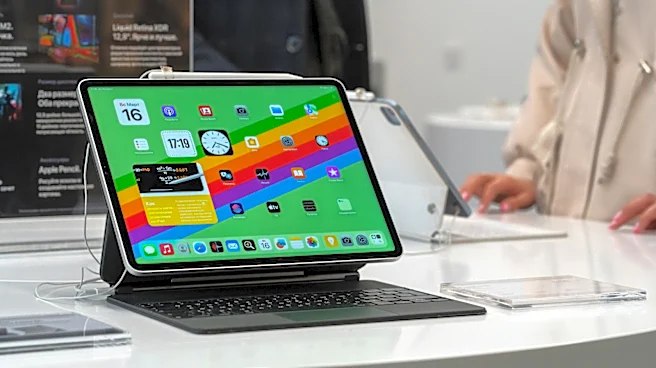




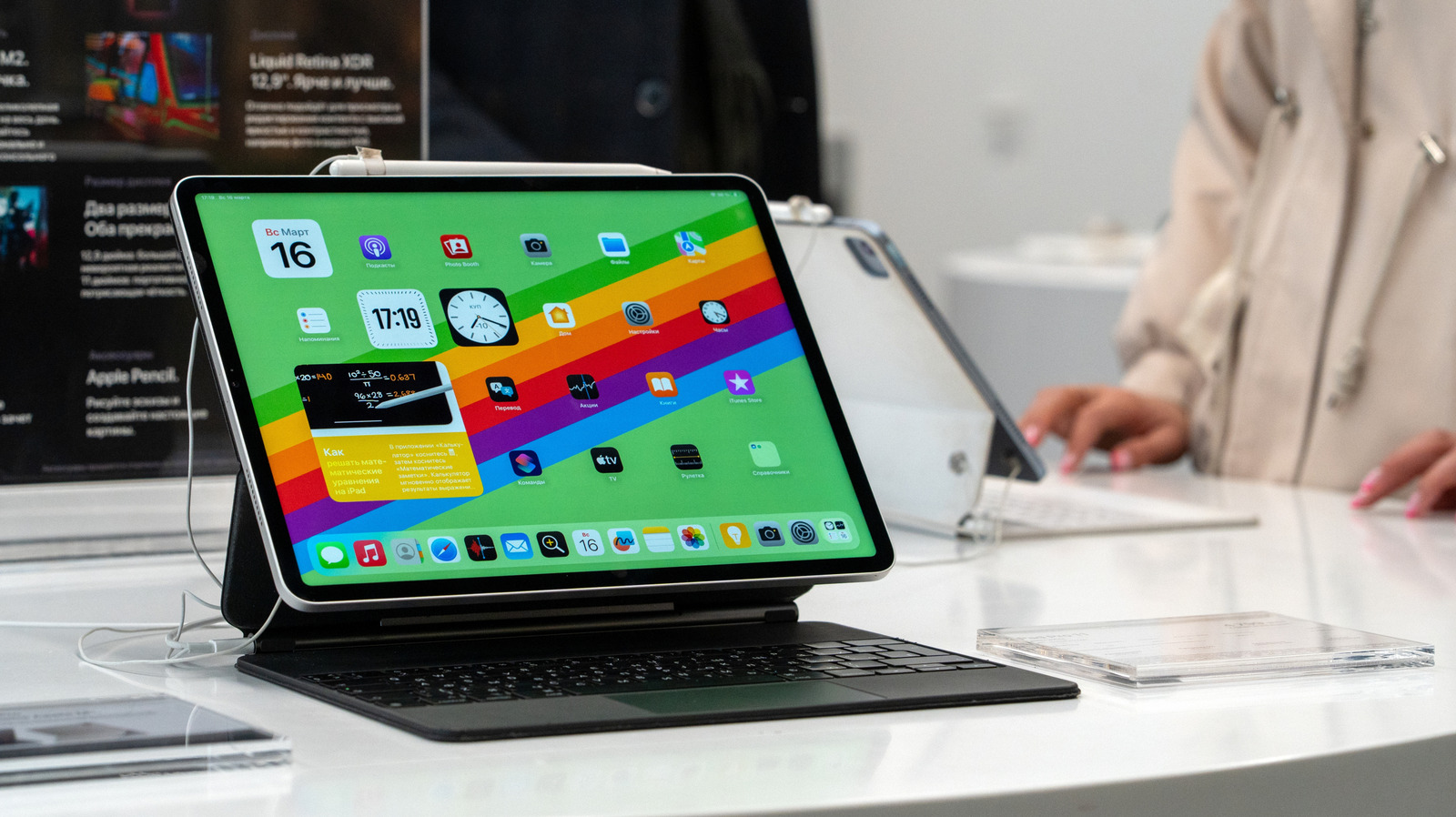
The Apple Magic Keyboard is one of the most popular accessories for the iPad and iPad Air. If you have one, you might be wondering what the USB-C port on the side is actually used for. It serves a surprisingly limited purpose: Charging your iPad. Since it doesn't support data transfer, that's about all you can use it for. You can't connect a mouse, headphones, or any other accessory — it's strictly for power delivery.
That doesn't make the port useless though, because having a dedicated charging port on
the Magic Keyboard can come in handy when you want to use other USB-C iPad accessories alongside the keyboard. Instead of choosing between another accessory or the ability to charge your iPad, you can do both at the same time without the need to connect a docking hub or station.
It's also important to note that the USB-C port is not used to charge the Magic Keyboard itself; the keyboard carries no charge on its own and pulls all of its power directly from your iPad through the Apple Smart Connector.
Read more: Major Washing Machine Brands Ranked Worst To Best
What can you use the Magic Keyboard's USB-C port for?
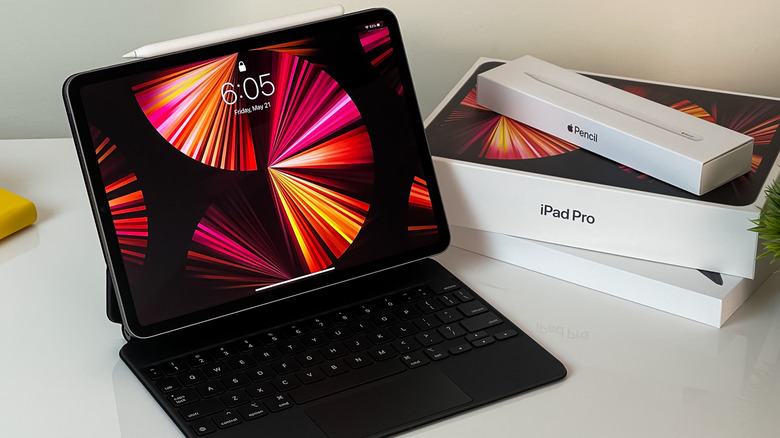
The Apple Magic Keyboard's USB-C port has one sole purpose: Support for pass-through charging. Rather than plugging your charging cable directly into the iPad, you can connect it to the Magic Keyboard, which then delivers power to the tablet. If you've ever wondered what the three dots on the back of your iPad are for, they're "pogo pins" dubbed the Apple Smart Connector, and they're designed to connect your iPad to compatible accessories like the Magic Keyboard. These contacts allow the keyboard to draw power from your iPad while also transmitting keyboard and trackpad inputs to the tablet.
Because the USB-C port does not support data transfer, according to Apple's support docs, plugging a USB-C mouse, flash drive, or external monitor into the port will not work. You'll have to connect these accessories directly into the iPad's port. Apple also specifically cautions users not to connect the Magic Keyboard's USB-C port directly to the iPad's USB-C port with a cable; they're already connected via the Smart Connector, so there's no need to run an extra cable between them.
The standalone Apple Magic Keyboard for Macs uses a rechargeable battery, and because of this it needs to be charged separately. The iPad version of the Magic Keyboard does not have an internal battery, so it doesn't carry a charge nor does it need to be plugged in on its own.
Does the Magic Keyboard drain my iPad's battery?
The Magic Keyboard doesn't require much juice to operate, but since it pulls power directly from your iPad, it can impact the battery life. This is especially true if you use bright backlighting to see the keys better, but you can always lower the keyboard's brightness through the Control Center or Settings app if you want to save some battery.
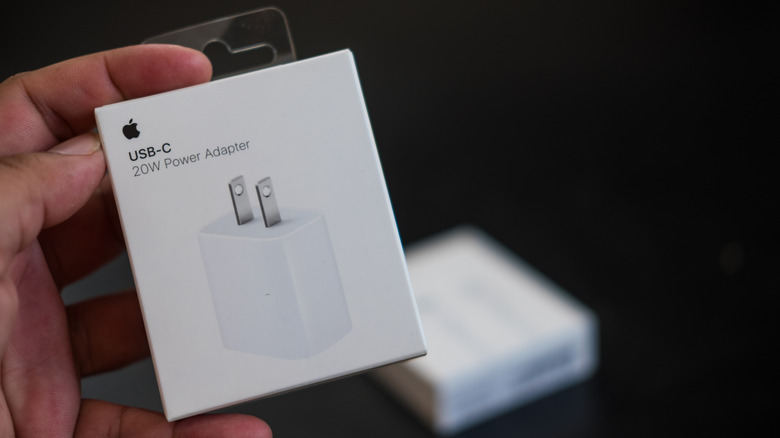
What about charging speeds? Apple doesn't explicitly confirm the charging speed for the Magic Keyboard's USB-C port, but thanks to testing from Engadget and MacRumors, we know that connecting a charging cable to the Magic Keyboard and plugging it directly into the iPad is slightly slower, but it makes little difference overall. What will make a major difference in charge times is upgrading the stock 20W charger that you get out of the box to a 60W charger since the latest USB-C iPads support Fast Charging.
Want the latest in tech and auto trends? Subscribe to our free newsletter for the latest headlines, expert guides, and how-to tips, one email at a time. You can also add us as a preferred search source on Google.
Read the original article on SlashGear.