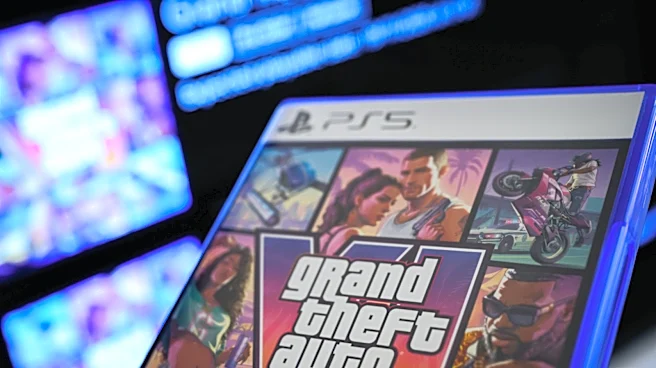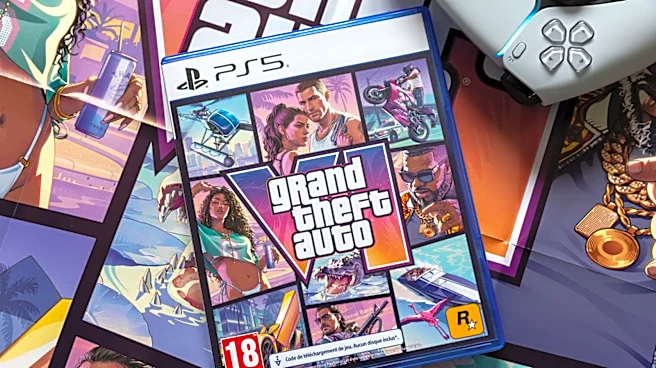





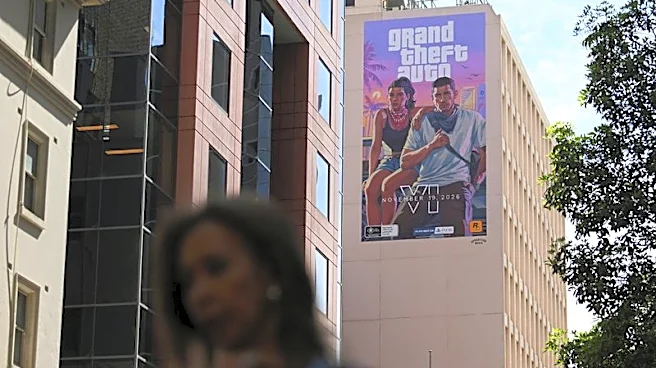
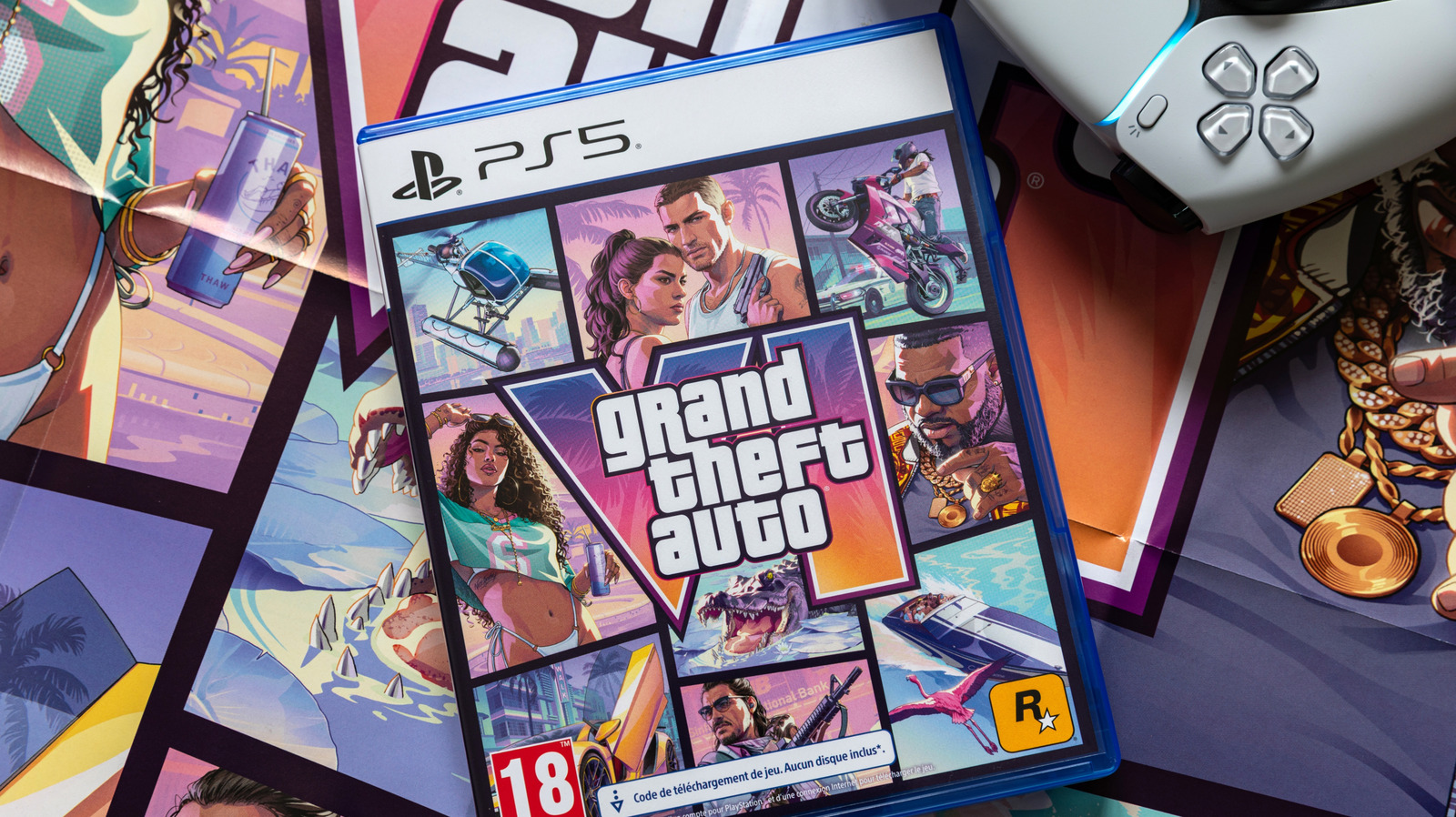
"Grand Theft Auto 6," one of the most anticipated game launches of all time, has an official release date of November 19. Depending on where you are in the world, you may already be able to play the game. But if you don't have access yet and you just can't wait another day, let alone another minute, there's an easy trick you can use to cut in line: changing your region.
By changing your location to New Zealand, you can trick your console into granting you access to "GTA 6" right away because it's
already November 19 in some regions like NZ. This is aptly named the New Zealand trick. On Xbox Series X and Series S, this is as simple as changing your country in the console's settings, as long as you have a pre-order copy of the game. If you plan on playing "GTA 6" through Xbox Cloud Gaming, you'll have to wait until 1 a.m. ET on November 19. Microsoft specifies a three-month waiting period between region swapping when it comes to your Microsoft account as a whole, but does not specify a time stipulation on region swapping just for your Xbox console. Many excited users on social media have confirmed the ability to swap regions back and forth and gain early access to "Grand Theft Auto 6."
PlayStation is a different story. While the trick is technically possible for PS5 owners, it's not recommended because your region is tied directly to your PSN account. This means you'd have to create a new PSN account for New Zealand and purchase "GTA 6" on that account. After that, "Grand Theft Auto 6" will be locked to that account, and you will be unable to switch the region to your actual location. Some PSN users have also reported account suspensions as a result of using the New Zealand trick.
Read more: 9 Celebrities Who Own A Boeing Business Jet
How to change your region for early GTA 6 access
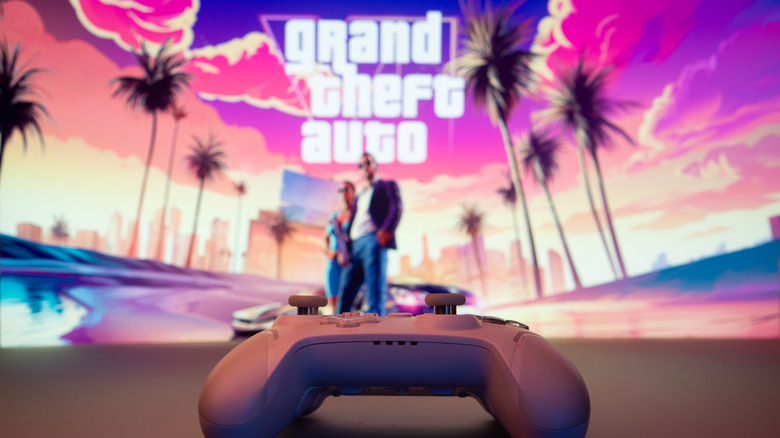
For Xbox Series X|S owners who have a pre-order copy of "GTA 6," the New Zealand trick is straightforward and only takes about a minute to complete.
- From the Xbox home screen, locate the gear icon on the top nav bar to enter the Settings menu.
- From Settings, select System, then Language & Location.
- Open the Location menu dropdown and scroll until you can select New Zealand.
- Then, scroll to the Restart now option to restart your console and confirm the region change.
Once your console restarts, go back into the Location settings menu and double-check that it's still set to New Zealand. When you open the Microsoft Store and check "Grand Theft Auto 6," prices should now be in NZ dollars. Launch "GTA 6" and enjoy exploring Leonida. If the trick doesn't work, restart your console and try again. It's important to note that while your console's region is set to New Zealand, you won't have access to funds loaded into your Microsoft account in your original region. It's not recommended to purchase anything from the Microsoft Store until you change your region back.
For PlayStation owners, the best advice is to wait it out until it officially releases in your region — which is a shame because the PS5 recently got a major free graphics upgrade just in time for "GTA 6." But this ensures you avoid a PSN account suspension and prevents you from having to buy a region-locked copy of the game.
Want the latest in tech and auto trends? Subscribe to our free newsletter for the latest headlines, expert guides, and how-to tips, one email at a time. You can also add us as a preferred search source on Google.
Read the original article on SlashGear.