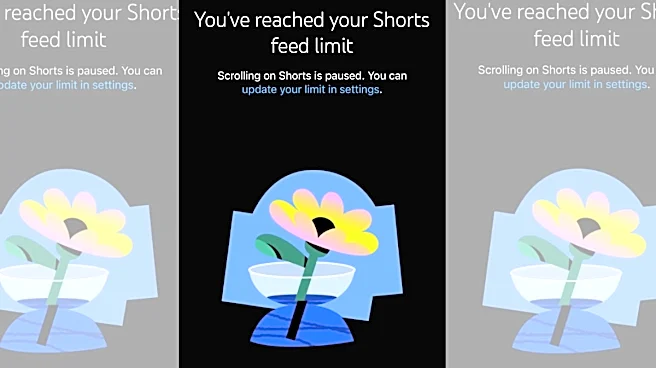




Vertical videos have become the bread and butter of how we consume our daily online content. Whether it’s TikTok, Instagram Reels, or YouTube Shorts, there is no escape from the fast-paced multimedia content, thanks to millions of short-form videos uploaded across social media apps globally. However, YouTube’s very own version of the short-form content called ‘Shorts’, which was launched half a decade ago, can now be completely removed from your YouTube mobile app.
The online video sharing platform, known for its traditional long-form content and the countless memes and iconic pop-culture moments it has dished out in the past two decades, has allowed users to cut short the Shorts videos content entirely from its app under its ‘Time Management’
settings, a report in Verge stated.
So, how does it work, and will you be able to remove Shorts from your YouTube feed permanently?
YouTube Removes Shorts Videos From Search
Earlier this year, YouTube enabled its loyal users, who reportedly run in the billions, to remove Shorts videos from search by accessing the YouTube Settings and filtering out Shorts as content to stop seeing them in your search results.
The update suggested that the video giant was content with the humongous userbase it had generated in the previous decade when it was launched amid the deadly wave of the global pandemic.
Remove Shorts From Your Feed Completely
Taking another stride in limiting exposure to the vertical format of videos, YouTube, in October of 2025, allowed users to limit the time they spent on viewing Shorts videos in their daily routine. The lowest option to cap the Shorts viewing time, however, was 15 minutes, a report in Dexerto stated.
Now, YouTube has enabled users to completely ditch Shorts if they wish to by setting ‘Shorts Feed Limit’ to ‘0 minutes’.
How To Remove Shorts From Your YouTube App?
If you wish to go the traditional route of horizontal videos and are overwhelmed by the temptation of doomscrolling and snappy content that delays and reduces your sleep time, you can simply head to your YouTube app and follow these steps:
- Open YouTube App on your smartphone
- Click on your YouTube avatar
- Click on Settings icon
- Scroll and click on ‘Time Management’
- Scroll and find ‘Daily Limits’
- Click on Toggle button adjacent to ‘Shorts Feed Limit’
- Select ‘0 minutes’
Or
You can follow the steps in the video below:
You can turn off Shorts completey: go to Settings > Time Management > Shorts Feed Limit > Set it to 0
It doesn’t remove Shorts from search though…pic.twitter.com/lLIQdCYPdm
— Terrible Pics (@TerriblePic) April 16, 2026
What Do YouTube Users Think About This Update?
A large section of YouTube users lauded the platform for allowing them to remove the Shorts content from their mortal lives. That their attention spans would significantly improve was a common sentiment felt among users on X who came across the news.
“This is the first time in my life where I left heartfelt feedback for a company and the thing that I requested actually came true. Thank you for listening, YouTube (sic),” X user @matchumoo quipped.
“Hell yeah, instagram when? (sic),” remarked another.
Time to increase my attention span pic.twitter.com/43lUDUKHKy
— Yuzuki (@KisekiyaCodes) April 16, 2026
“This is the best update yet. No more forced brain rot shorts are so addicting it’s not funny (sic),” admitted another.
Is This Feature Available To All?
A few users on X lamented that their YouTube applications still presented them with the older option of limiting the exposure to Shorts videos to 15 minutes a day.
Fully updated app tf pic.twitter.com/H9vPj3pbJW
— ✯ (@COURlER6) April 16, 2026
It’s, however, worth noting that the option to end Shorts consumption on the app is reportedly being rolled out to everyone and should be available soon to all YouTube users.
Once enabled, YouTube presents the following prompt to users:
“You’ve reached your Shorts feed limit. Scrolling on Shorts is paused.”
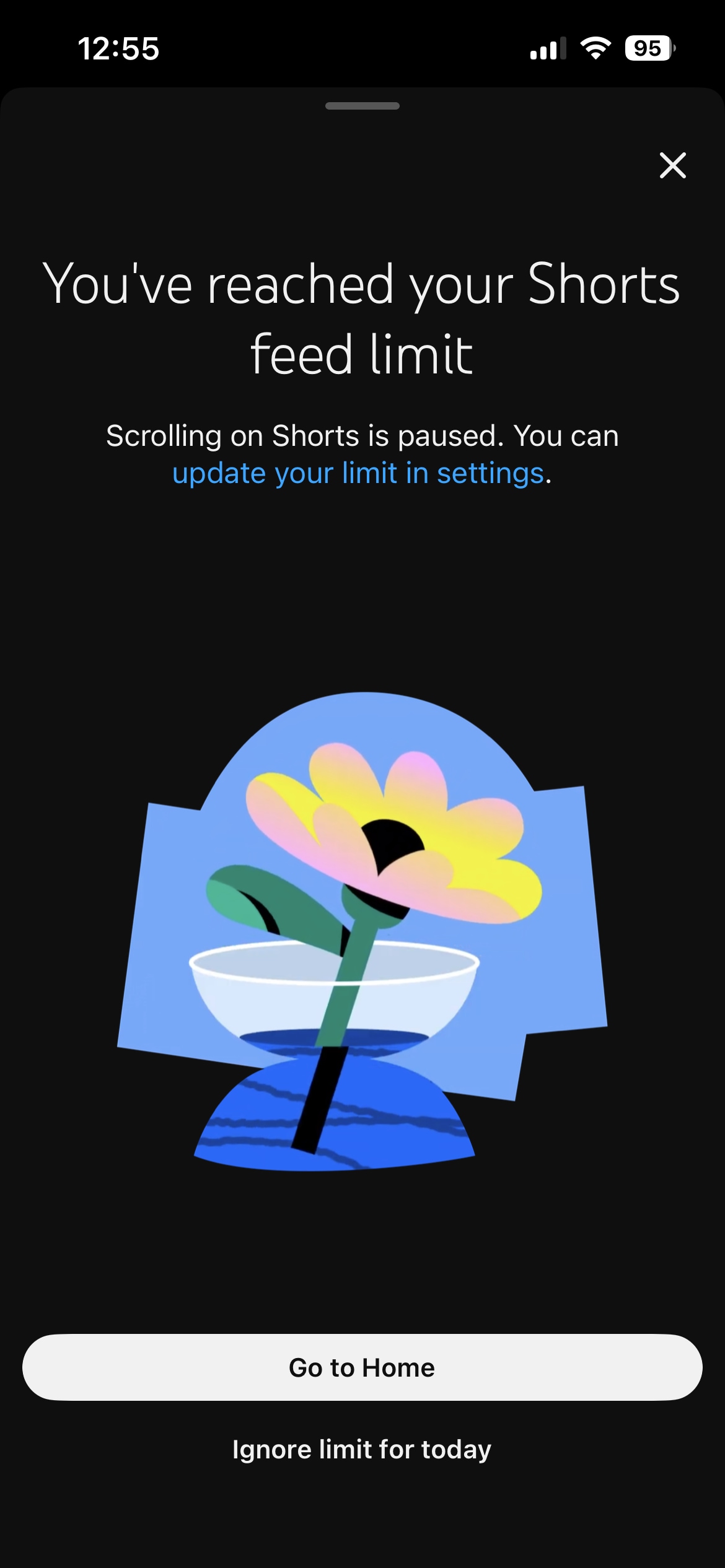
One can override the settings by simply clicking on the ‘Ignore limit for today’ option displayed at the bottom of the screen.