





What's Happening?
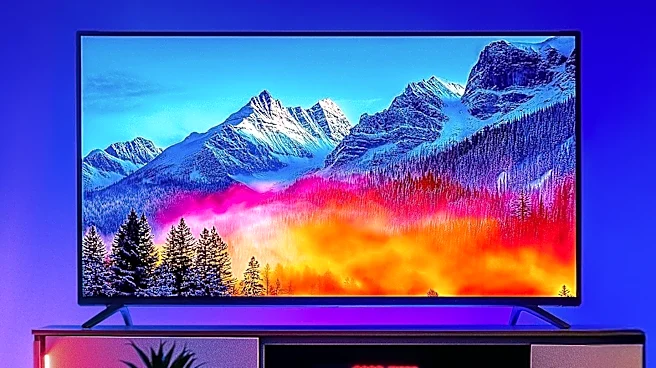
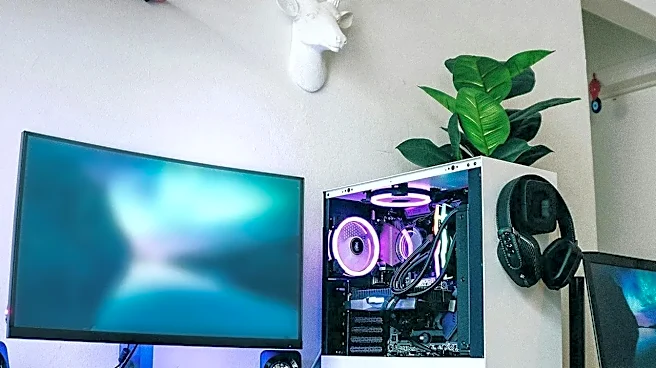
ZDNET has published a guide on how to utilize a television as a personal computer monitor, offering a cost-effective alternative to dedicated computer screens. The guide outlines methods for connecting a PC or laptop to a TV, including wired HDMI connections
and wireless screen mirroring options like Apple AirPlay and Googlecast. It also provides instructions for adjusting display settings across various operating systems such as Windows, Mac, ChromeOS, and Linux to optimize picture quality and monitor arrangement. Key steps involve matching the resolution output between the computer and TV, and utilizing PC picture modes or game modes on the television to reduce input lag and maintain consistent refresh rates. The article highlights that while wireless options offer convenience, they may introduce input lag or resolution issues due to data compression and transmission.
Why It's Important?
This guide is important for consumers and businesses seeking budget-friendly solutions for display needs, particularly in an economic climate where specialized computer monitors, especially high-end OLED or 4K displays, can be expensive. By leveraging existing televisions, individuals can achieve larger screen real estate and potentially higher resolutions for a fraction of the cost of a dedicated monitor. This flexibility can benefit remote workers, students, and casual users who need an additional screen for productivity or entertainment without significant investment. However, it also underscores potential trade-offs, such as input lag in wireless setups, which could impact users requiring precise real-time interaction, like gamers or video editors. The ability to repurpose consumer electronics for professional or educational use reflects a broader trend towards maximizing utility and reducing electronic waste.
What's Next?
Users who follow ZDNET's guide can expect to successfully set up their televisions as PC monitors, either as a primary display, part of a multi-monitor configuration, or as an emergency backup. The next steps for users would involve fine-tuning their display settings, such as resolution, refresh rate, and scaling options, to achieve the best possible picture quality and user experience. For those opting for wireless connections, further experimentation with different casting methods or network configurations might be necessary to mitigate potential input lag. The continued development of smart TV technology and operating system integrations may lead to more seamless and optimized experiences for using televisions as computer displays in the future, potentially reducing the current limitations associated with input lag and resolution matching.
Beyond the Headlines
The practice of using televisions as PC monitors extends beyond mere cost savings, touching upon broader implications for consumer technology and digital literacy. It highlights the increasing convergence of home entertainment and computing devices, blurring the lines between traditional product categories. This trend could influence future product design, encouraging manufacturers to integrate more PC-friendly features into televisions and vice-versa. Furthermore, it empowers users with greater control over their digital environments, fostering a DIY approach to technology solutions. On an environmental level, repurposing existing hardware like televisions as monitors contributes to a more sustainable consumption model by extending the lifespan of electronic devices, potentially reducing the demand for new, specialized monitors and the associated electronic waste.