




What's Happening?
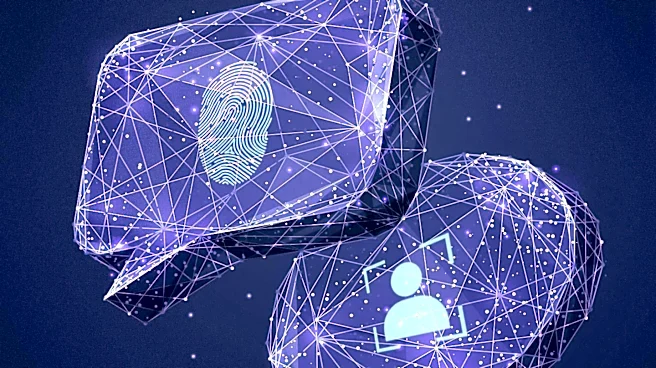
Users are reporting issues with Windows Hello biometric authentication on their personal computers, where both fingerprint scanners and facial recognition cameras have stopped functioning or are being reported as incompatible. This problem occurs even
on devices where fingerprint sign-in was previously set up and working correctly. To diagnose the issue, users are advised to check Device Manager for biometric devices and cameras, looking for warning icons and error codes. Additionally, creating a new local Windows account and attempting to set up Windows Hello there is suggested as a troubleshooting step. The manufacturer and model of the PC are also requested to verify compatible Windows 10 drivers for the biometric hardware.
Why It's Important?
The malfunction of Windows Hello biometric authentication impacts user convenience and security for many U.S. PC users. Biometric login methods, such as fingerprint and facial recognition, offer a faster and often more secure alternative to traditional password-based authentication. When these systems fail, users are forced to revert to less convenient methods, potentially compromising their workflow and increasing frustration. For businesses and individuals relying on these features for quick and secure access to sensitive information, the disruption can be significant. The issue also highlights the ongoing challenge of software-hardware compatibility and driver support, which is critical for maintaining the functionality of advanced security features across diverse PC ecosystems.
What's Next?
Users experiencing these issues are encouraged to follow the troubleshooting steps provided, including checking Device Manager and testing with a new user profile. The next steps involve identifying specific error codes and verifying driver compatibility with the PC manufacturer. Microsoft and PC manufacturers will likely need to address these reported issues through driver updates, software patches, or more detailed diagnostic tools. The resolution will depend on whether the problem stems from a software bug, outdated drivers, or a hardware malfunction. Continued monitoring of user forums and official support channels will be necessary to track the prevalence and resolution of these biometric authentication failures.
Beyond the Headlines
The recurring issues with biometric authentication systems like Windows Hello underscore a broader challenge in the integration of advanced security technologies into consumer devices. While biometrics offer enhanced security and convenience, their reliability is heavily dependent on seamless interaction between hardware, operating system, and drivers. Failures can erode user trust in these technologies and raise questions about their long-term viability as primary authentication methods. This situation also highlights the digital divide in technical literacy, as troubleshooting complex driver and system issues can be daunting for average users. The incident serves as a reminder that even sophisticated security features require robust support and continuous maintenance to remain effective and user-friendly.